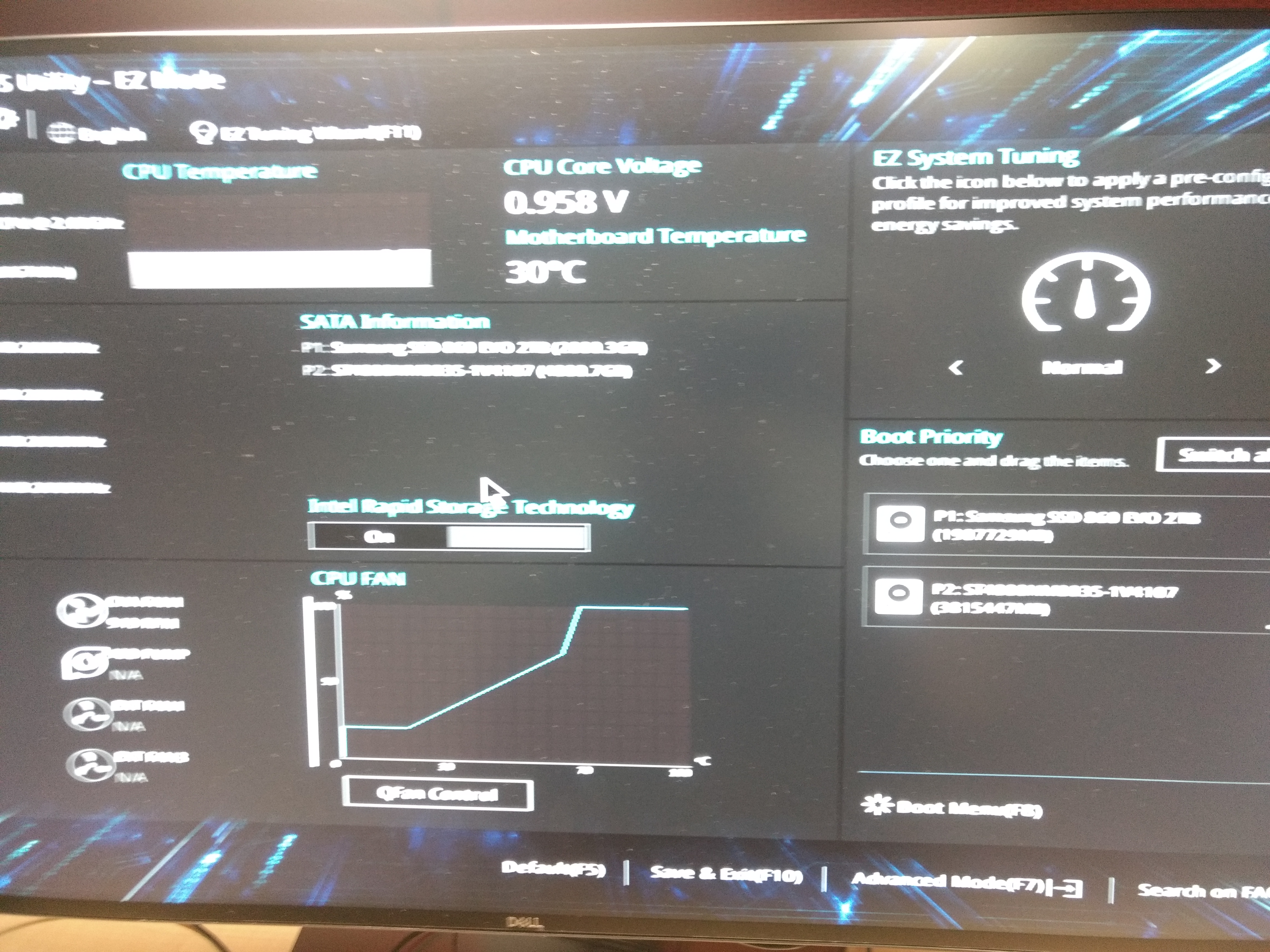
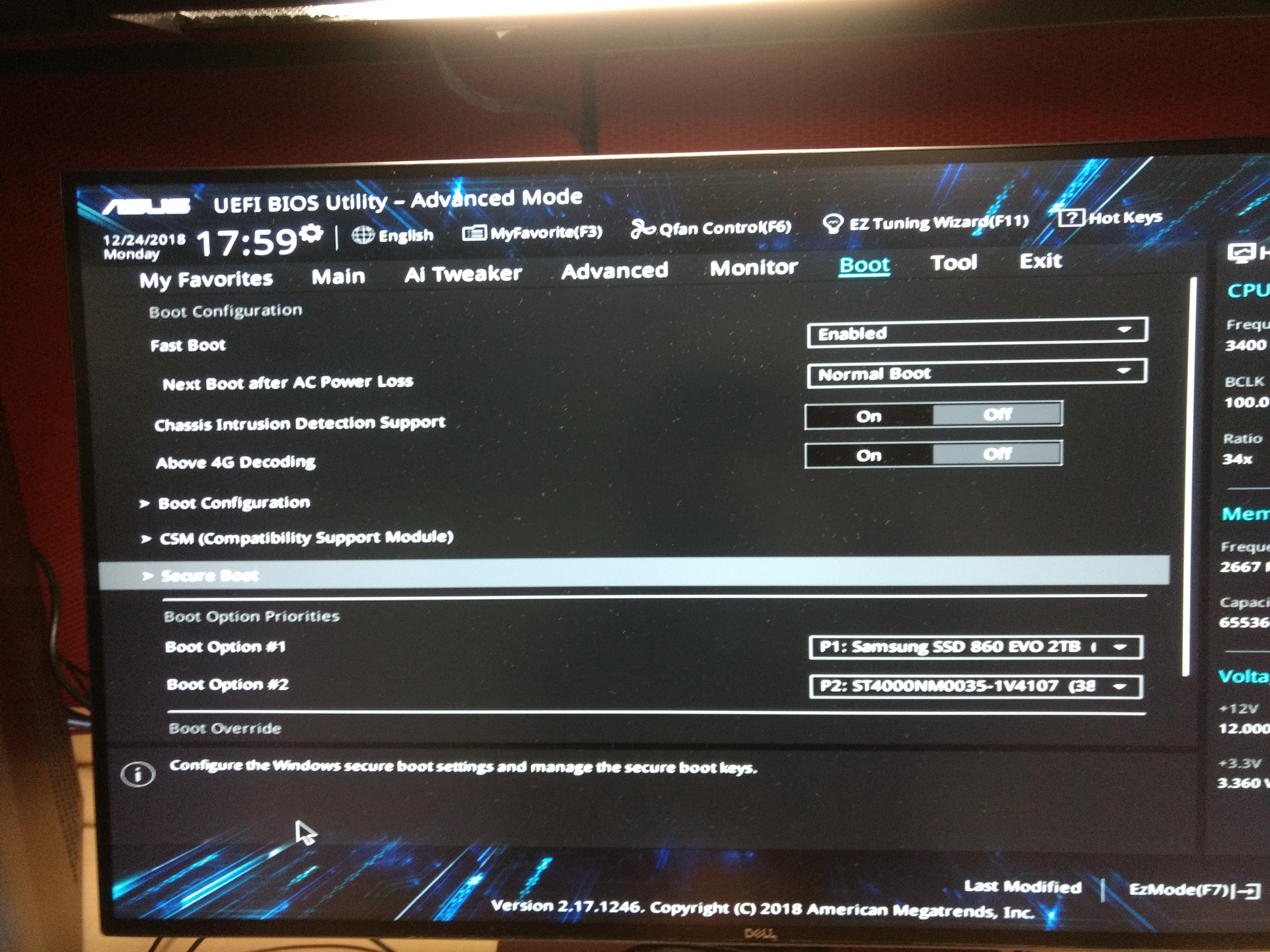
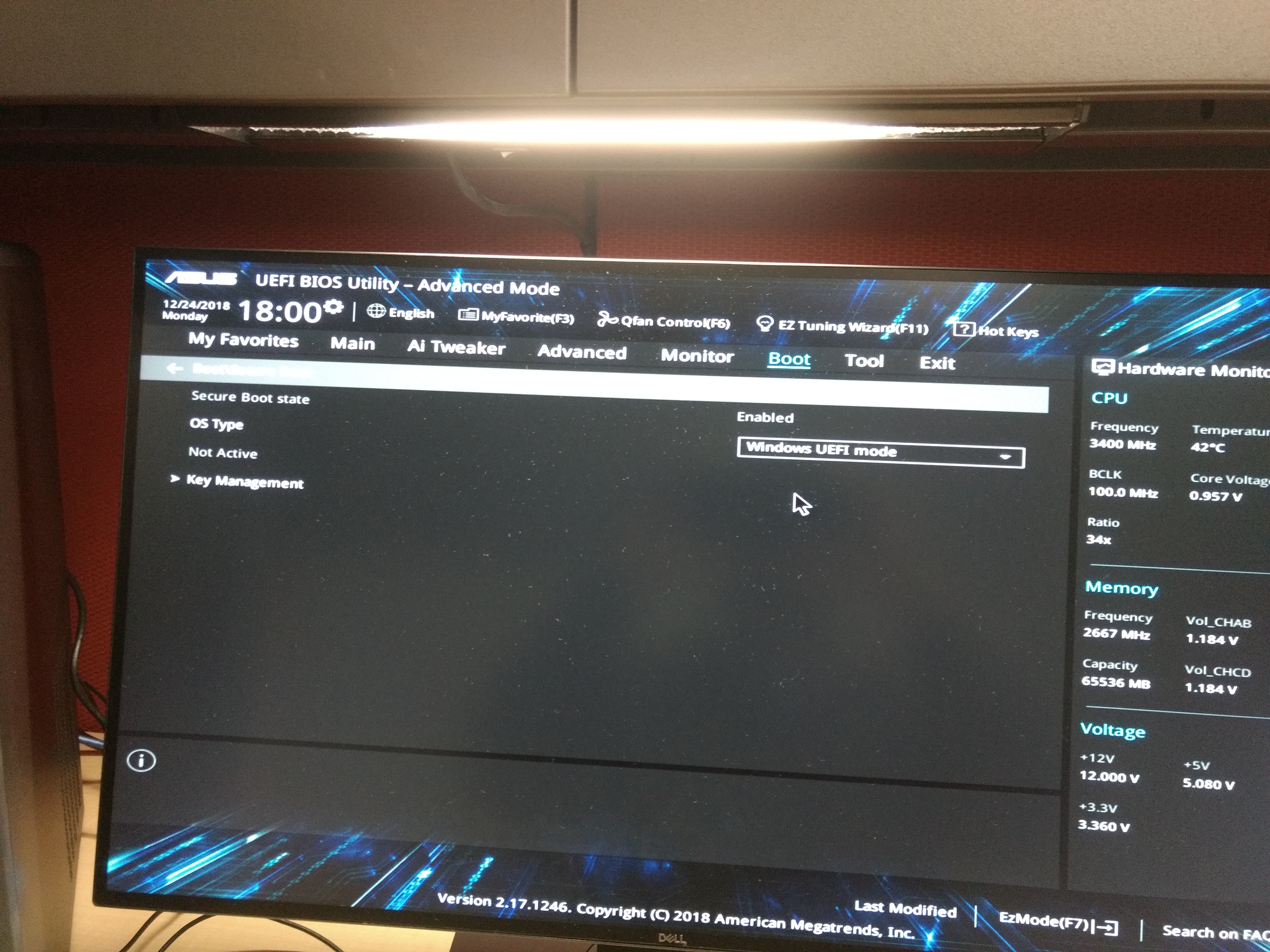
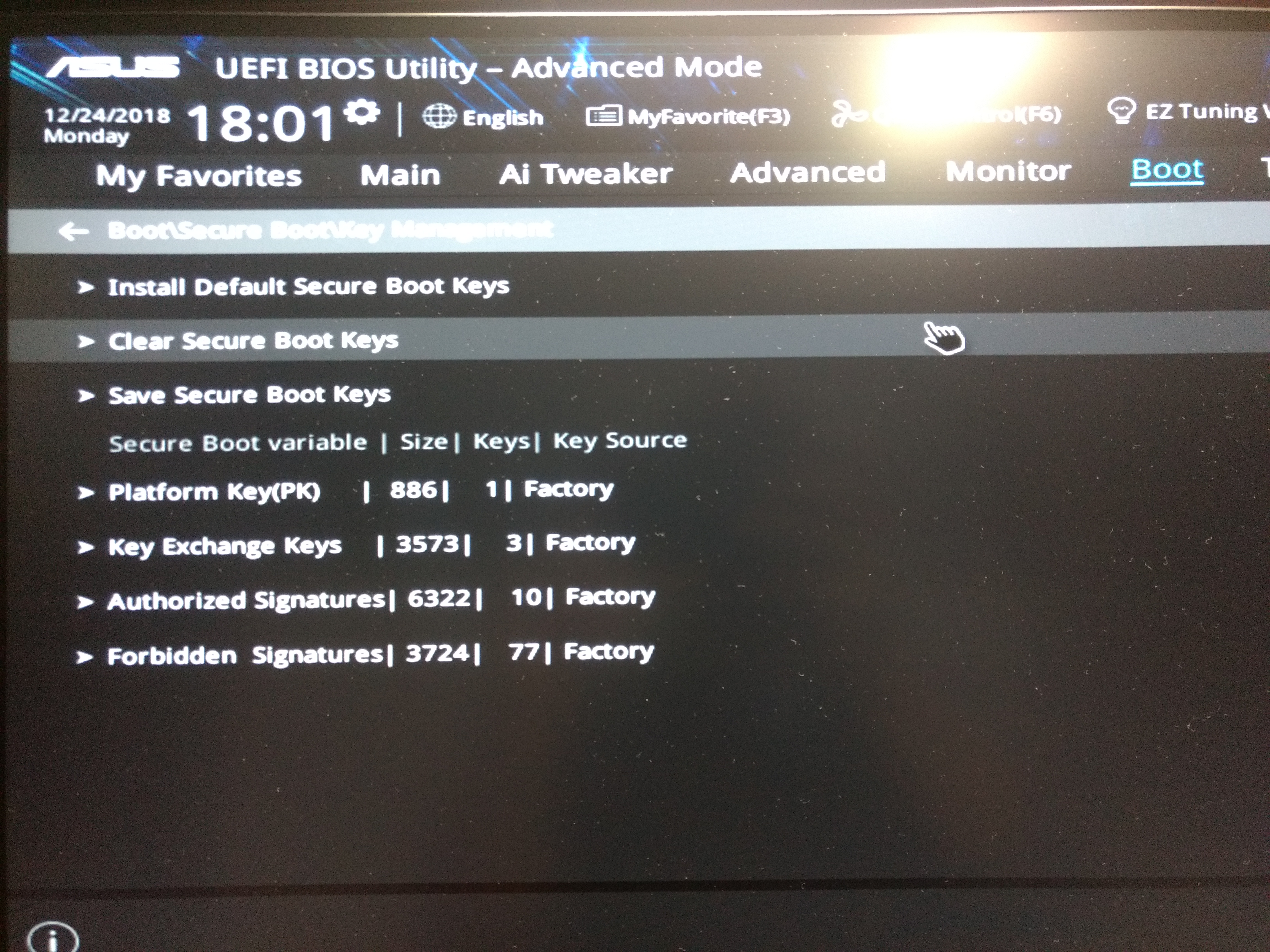
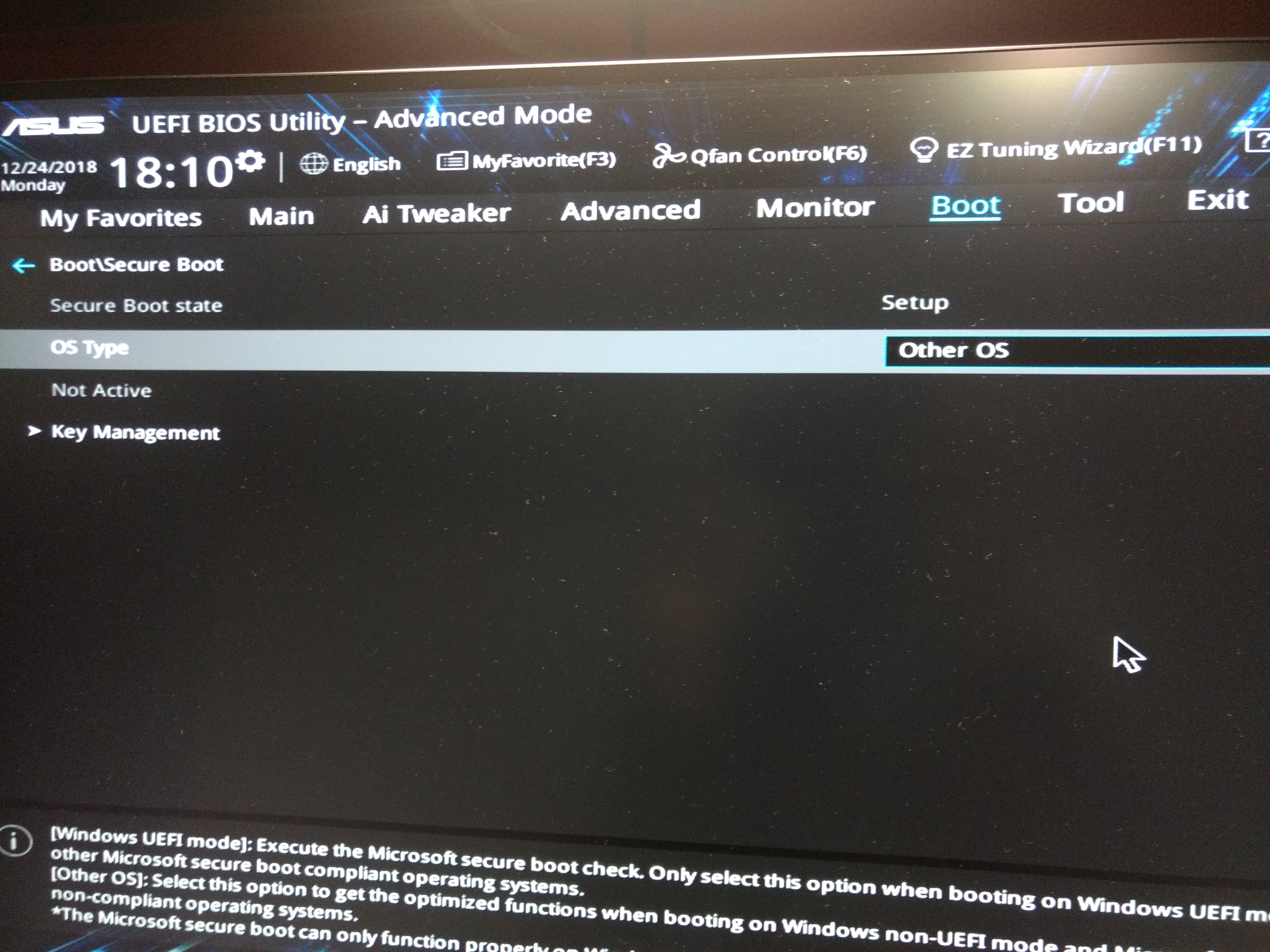
Disable Secure boot in ASUS machine Bhaskar Chandra Trivedi Last updated on Dec 27, 2018 1 min read 1) Enter Boot Menu. 2) Select Advance Menu Select Anvance Menu. 3) Go to Boot Menu. 4) Select OS type to Windows UEFI mode. 5) Enter key management. 6) Clear secure boot key. 7) Select OS Type other OS. Server Installation Bhaskar Chandra Trivedi PhD Computer Science Related How to install Ubuntu 16.04 server ASUS GPU machine Installing Ubuntu 18.04 server ASUS GPU machine