How to install Ubuntu 16.04 server ASUS GPU machine

1)Disable boot menu in ASUS machine
2)Download Ubuntu 16.04LTS
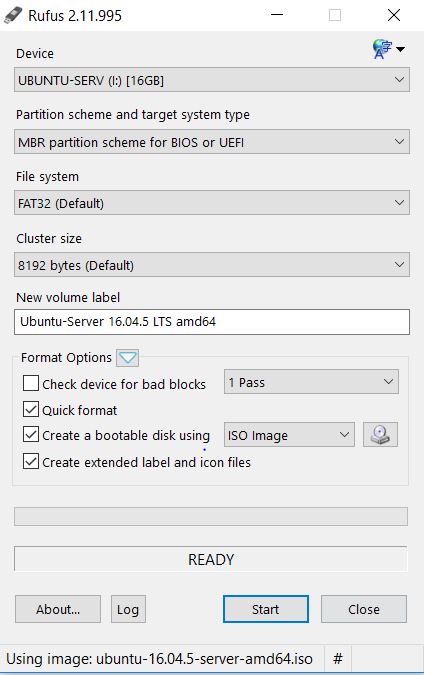
3)Creat bootable USB drive in UEFI mode( I used rufus software)
4)Go to bios and keep USB drive (boot medium) at priority
5)Save and exit
6)Select Install with the HWE kernel
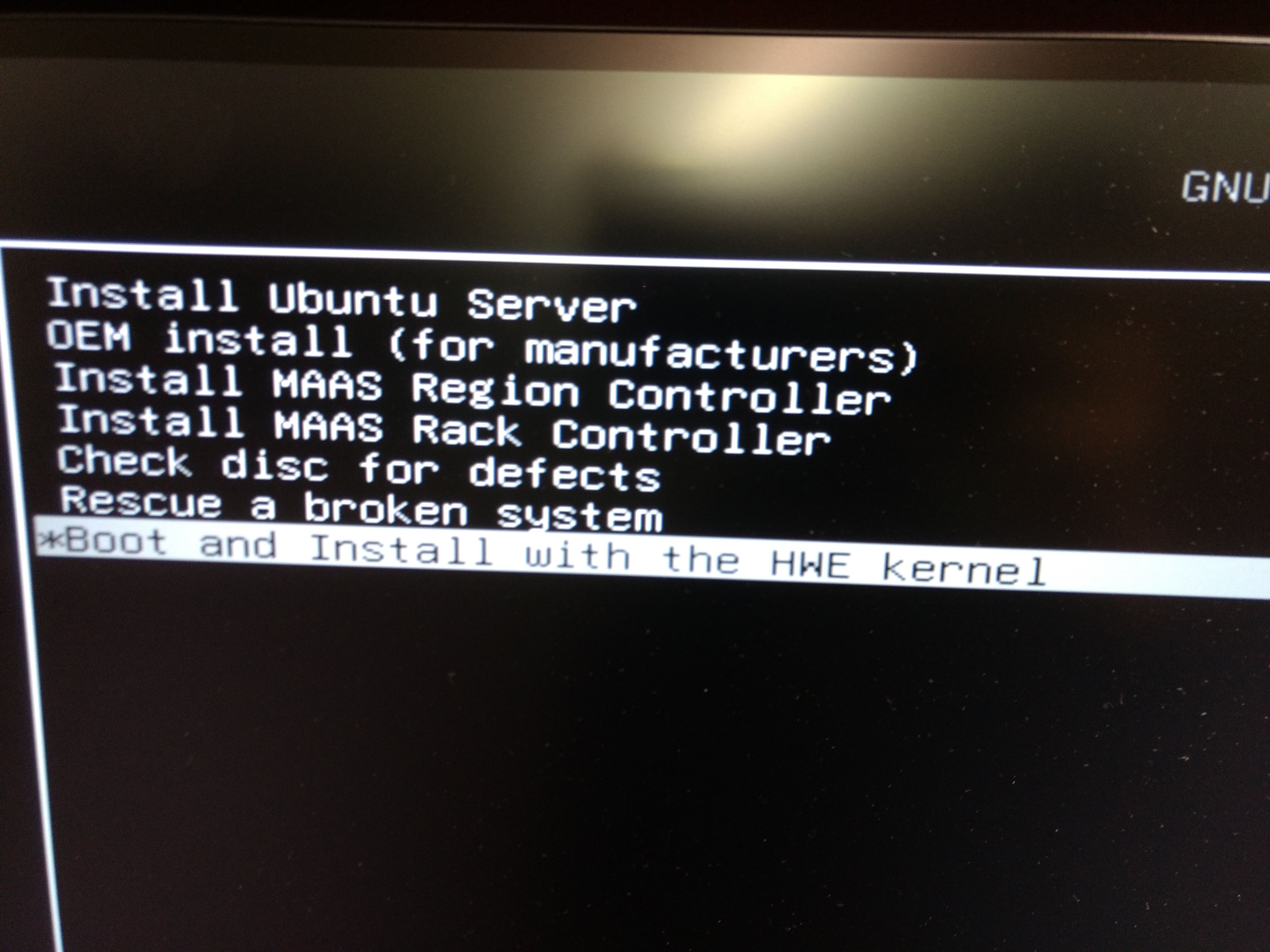
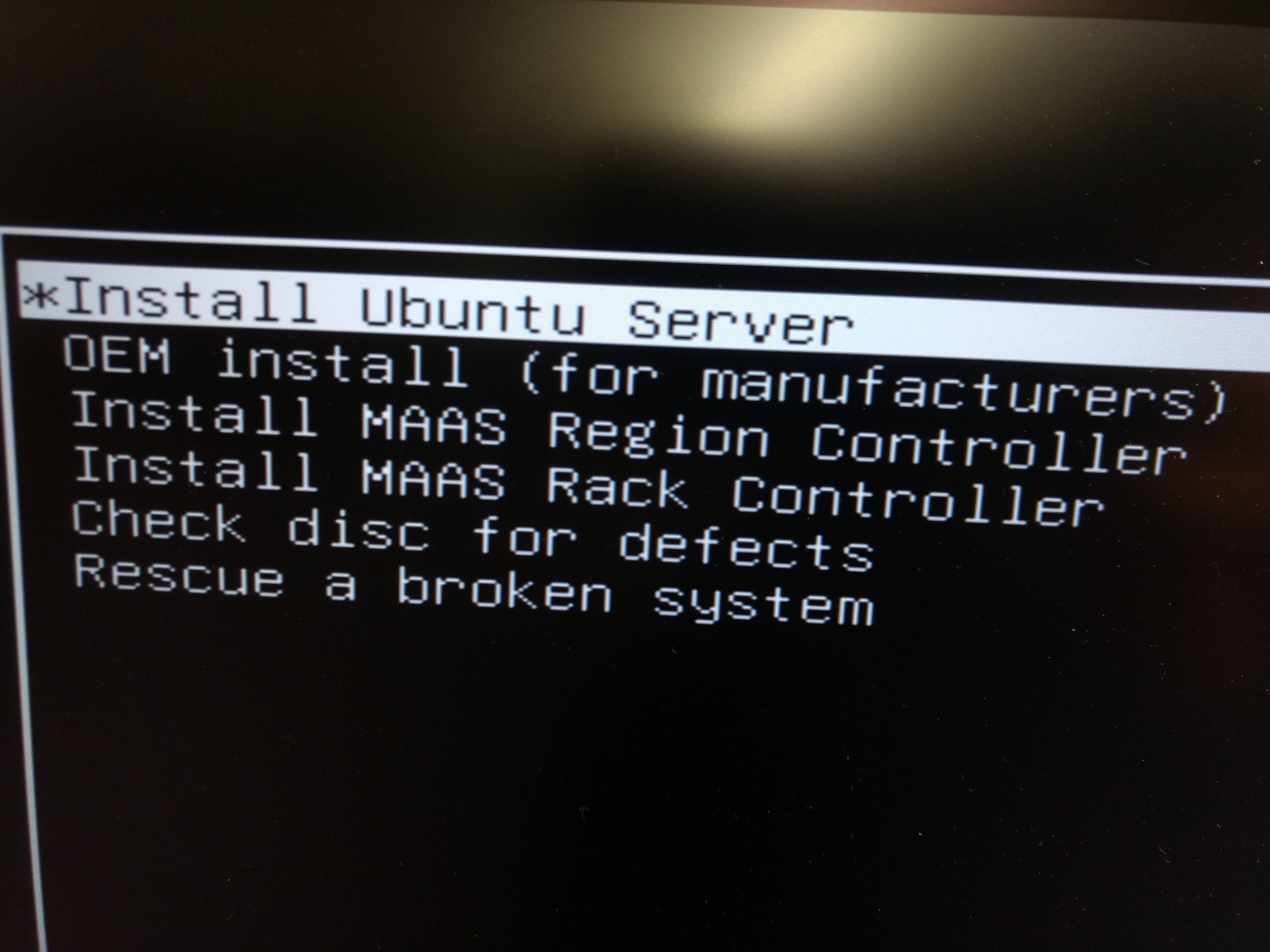
7)Select Install ubuntu server
8)Select all required option like language, country etc to next screen
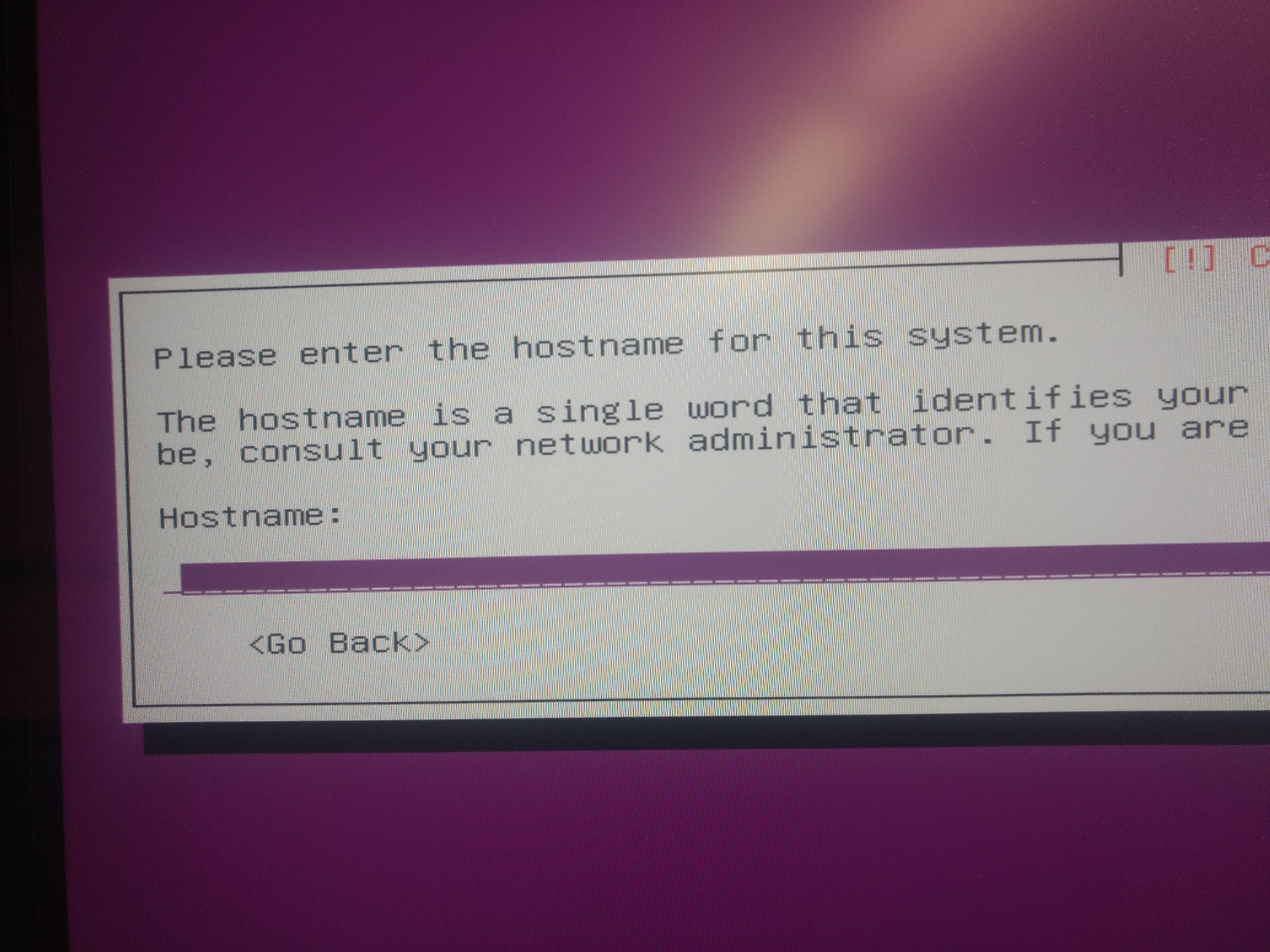
9)Enter host Name
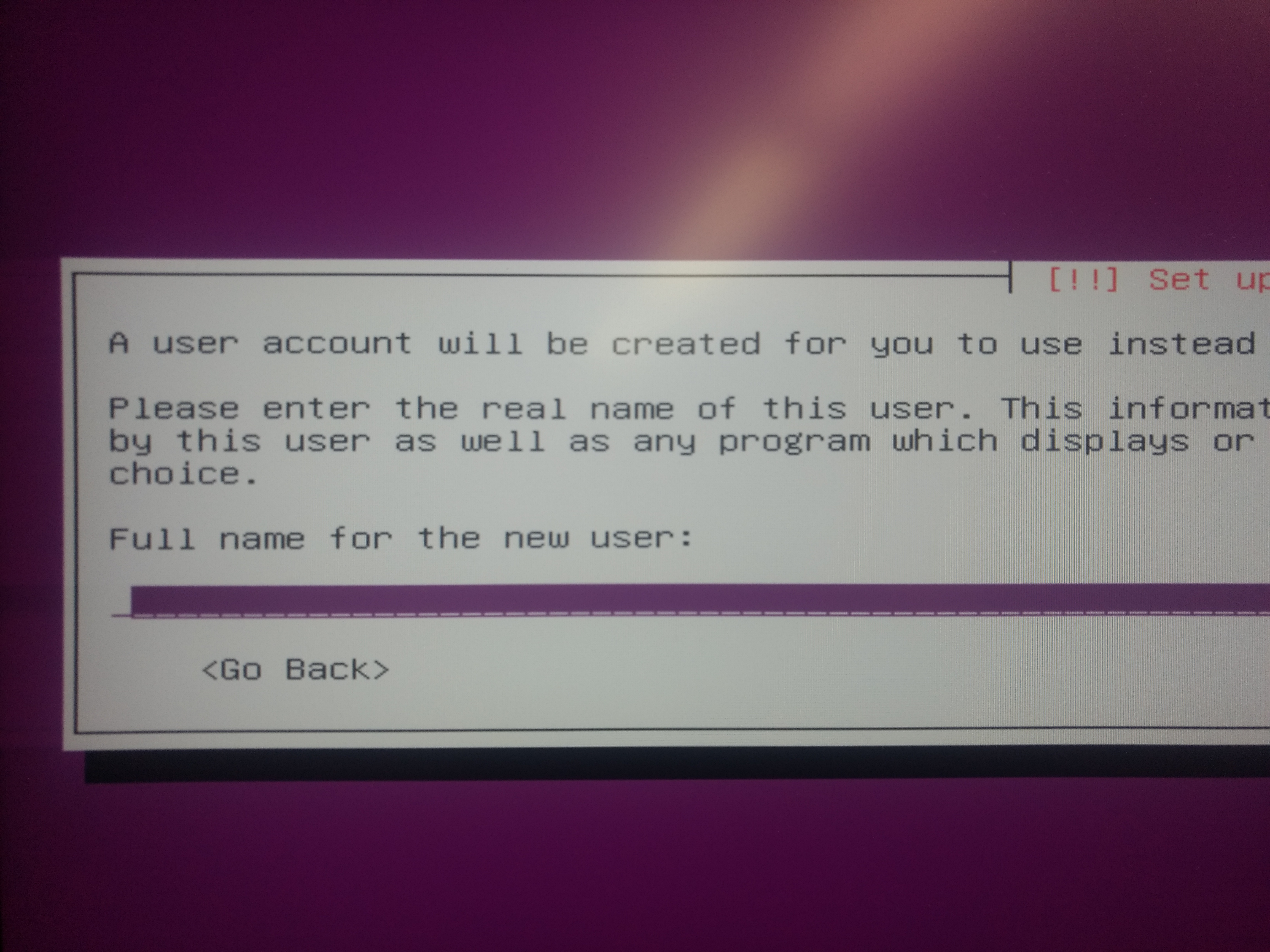
10)Enter user name and password
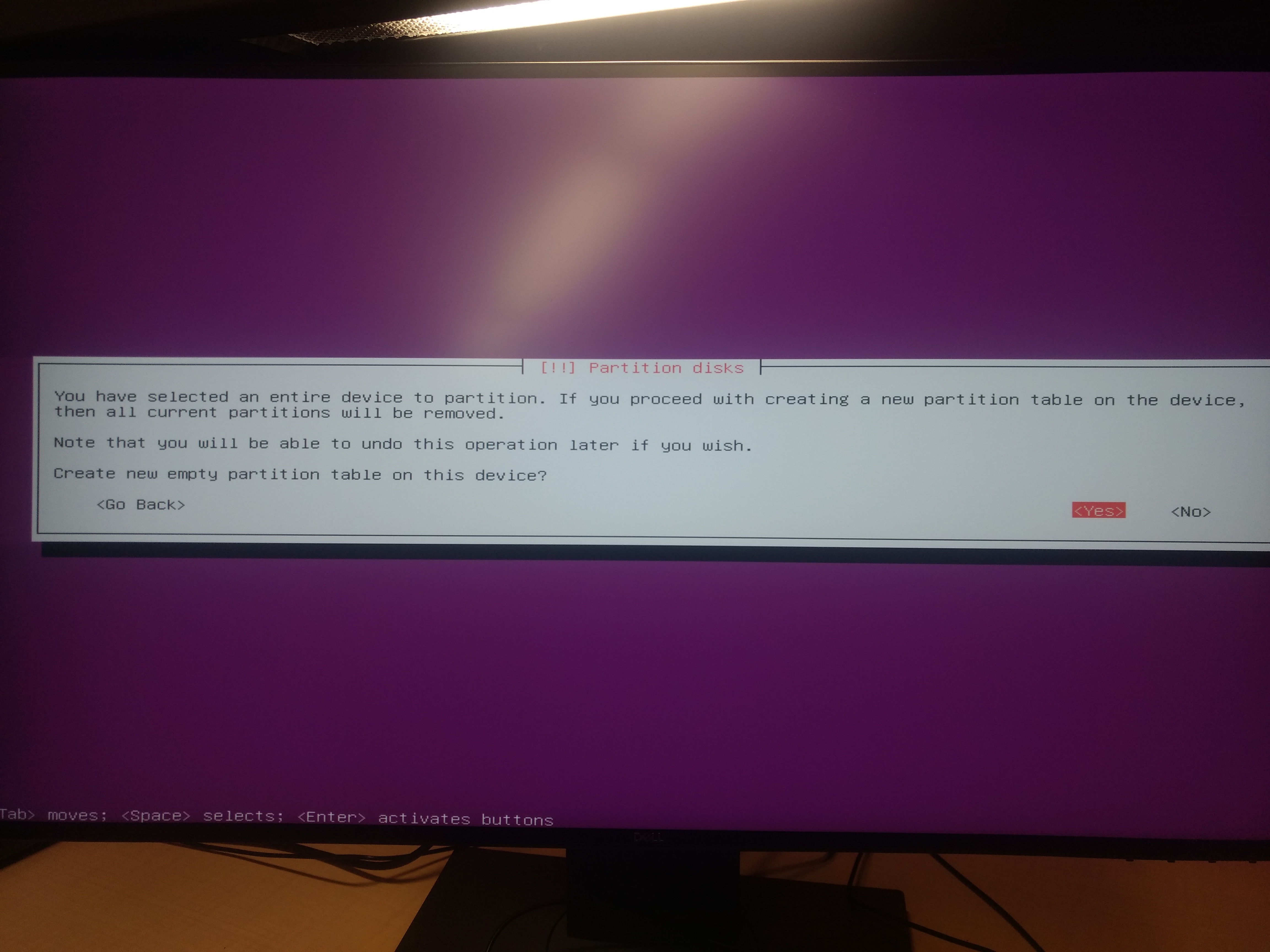
11)Unmount partition (These steps are for fresh installation from scratch, don’t follow if you don’t want to format your data)
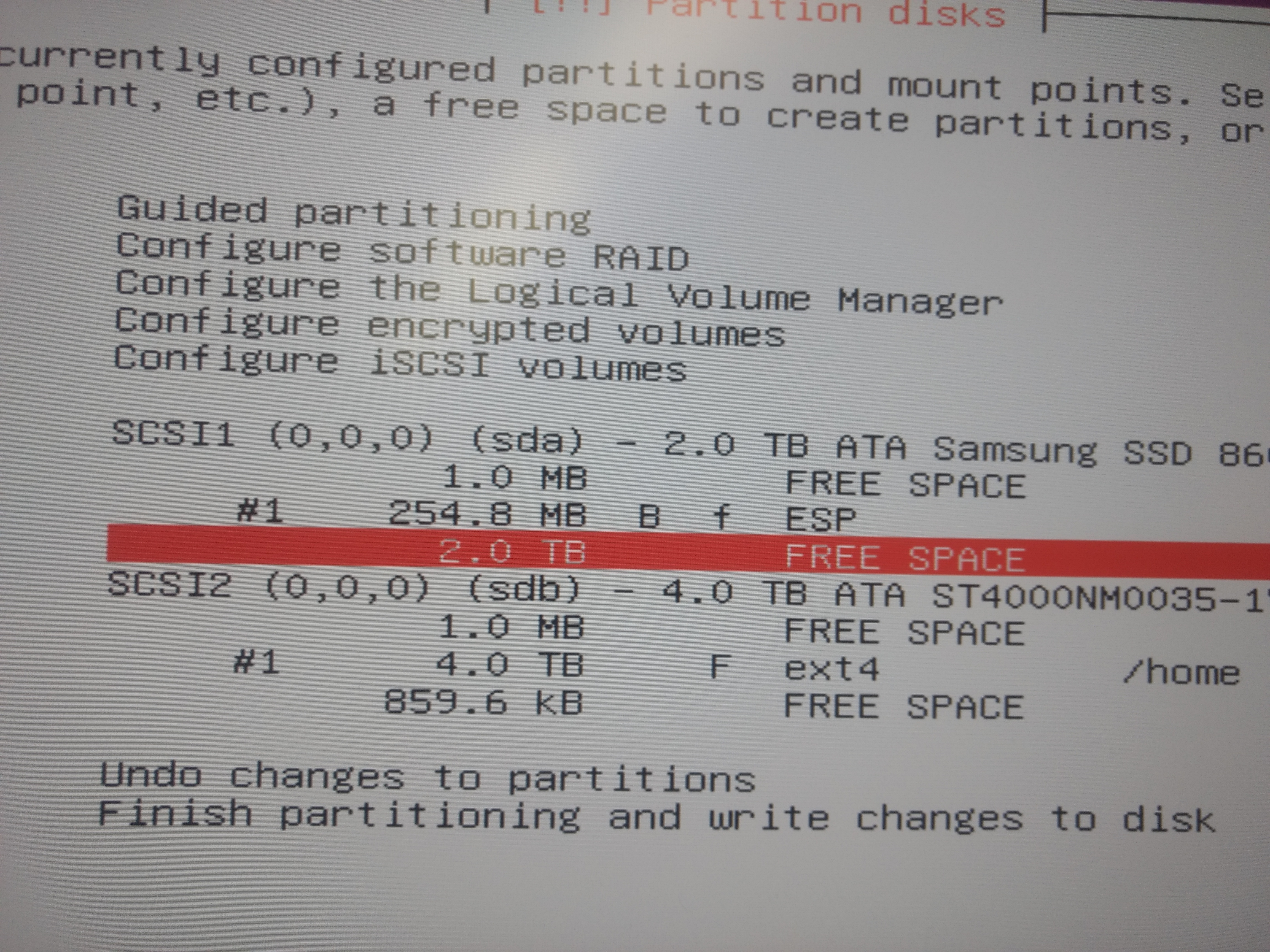
12)Select manual partition
13)Select partition and create new partition
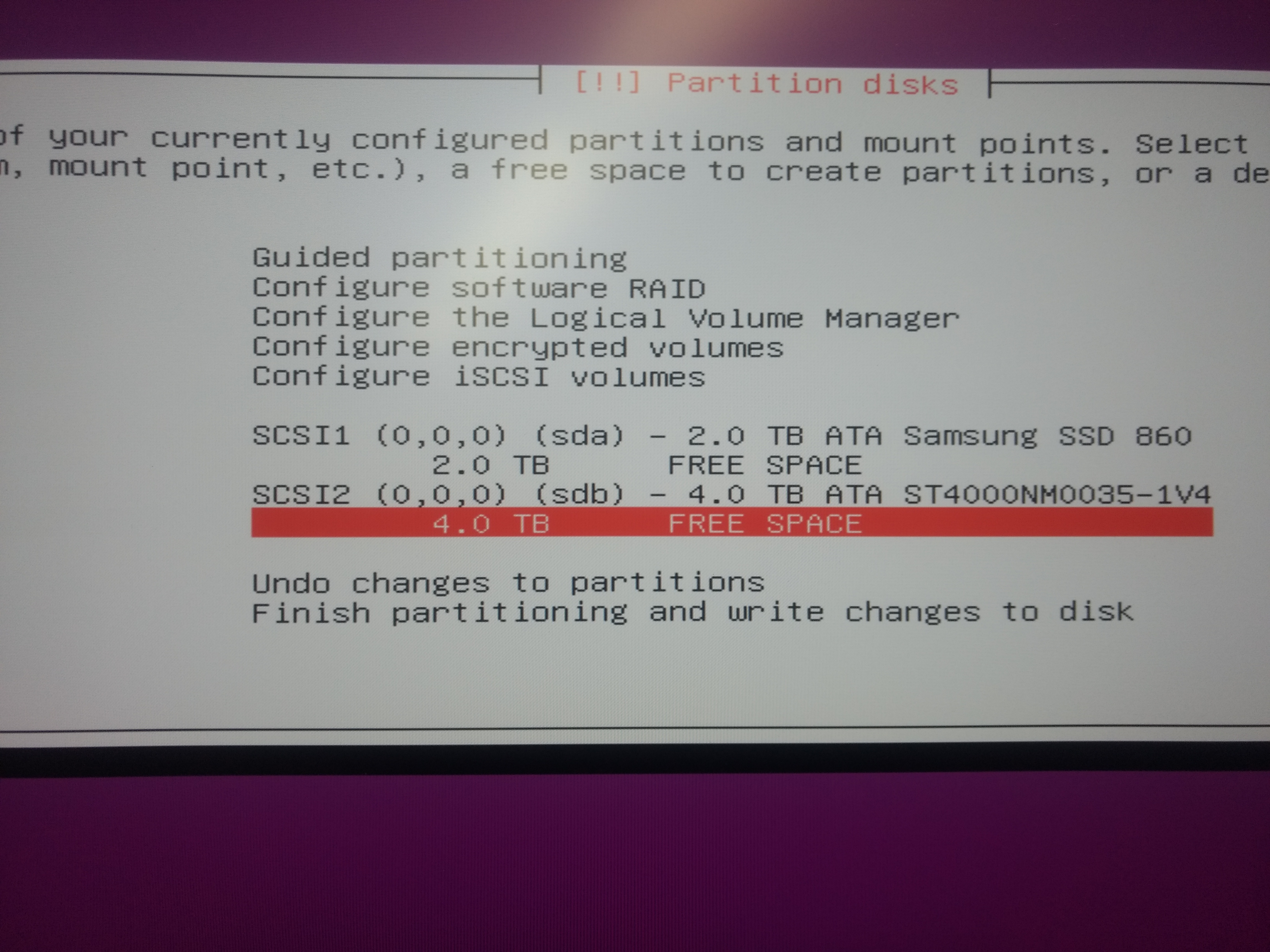
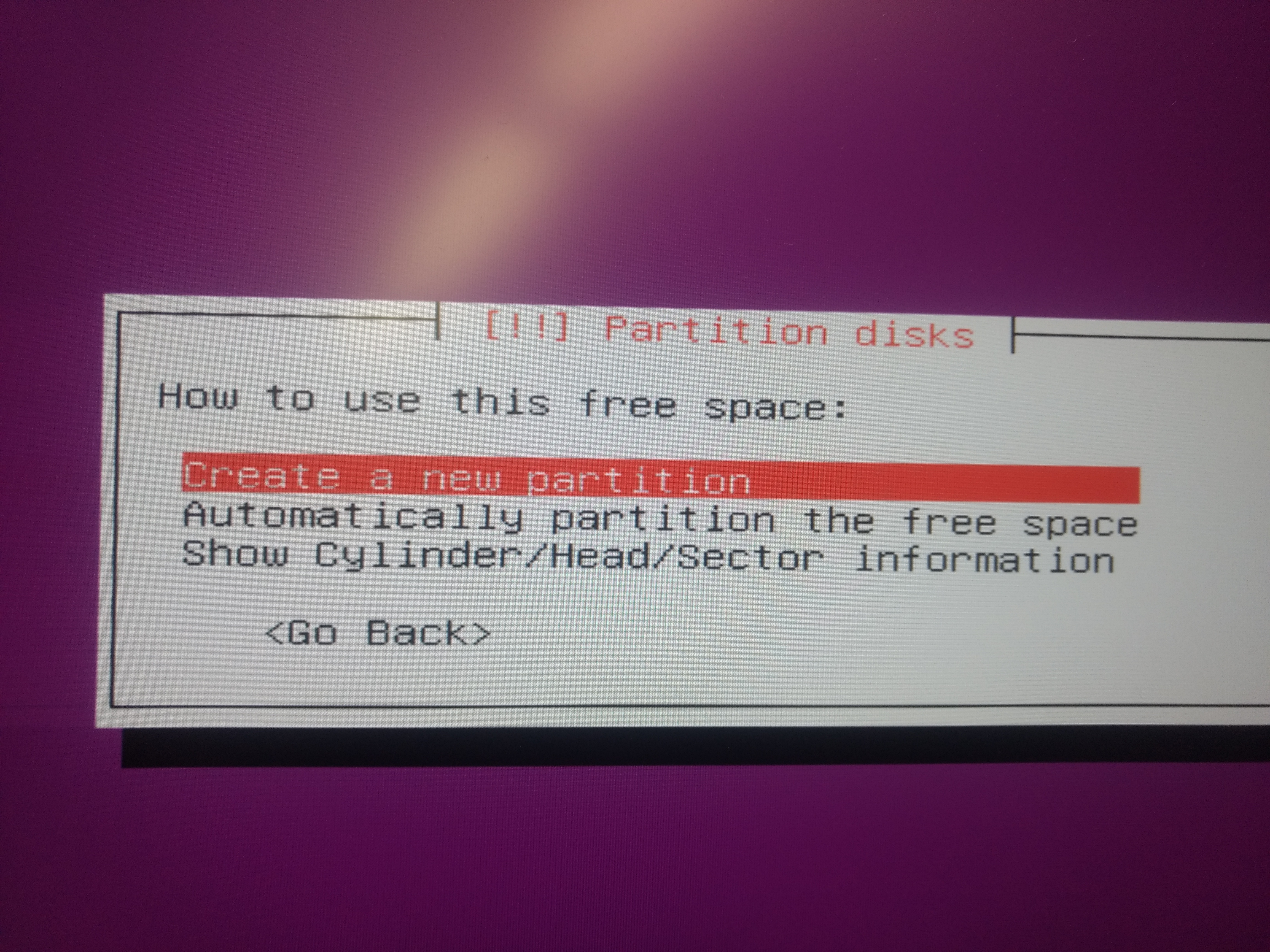
14)Select partition space
15)Create new partition
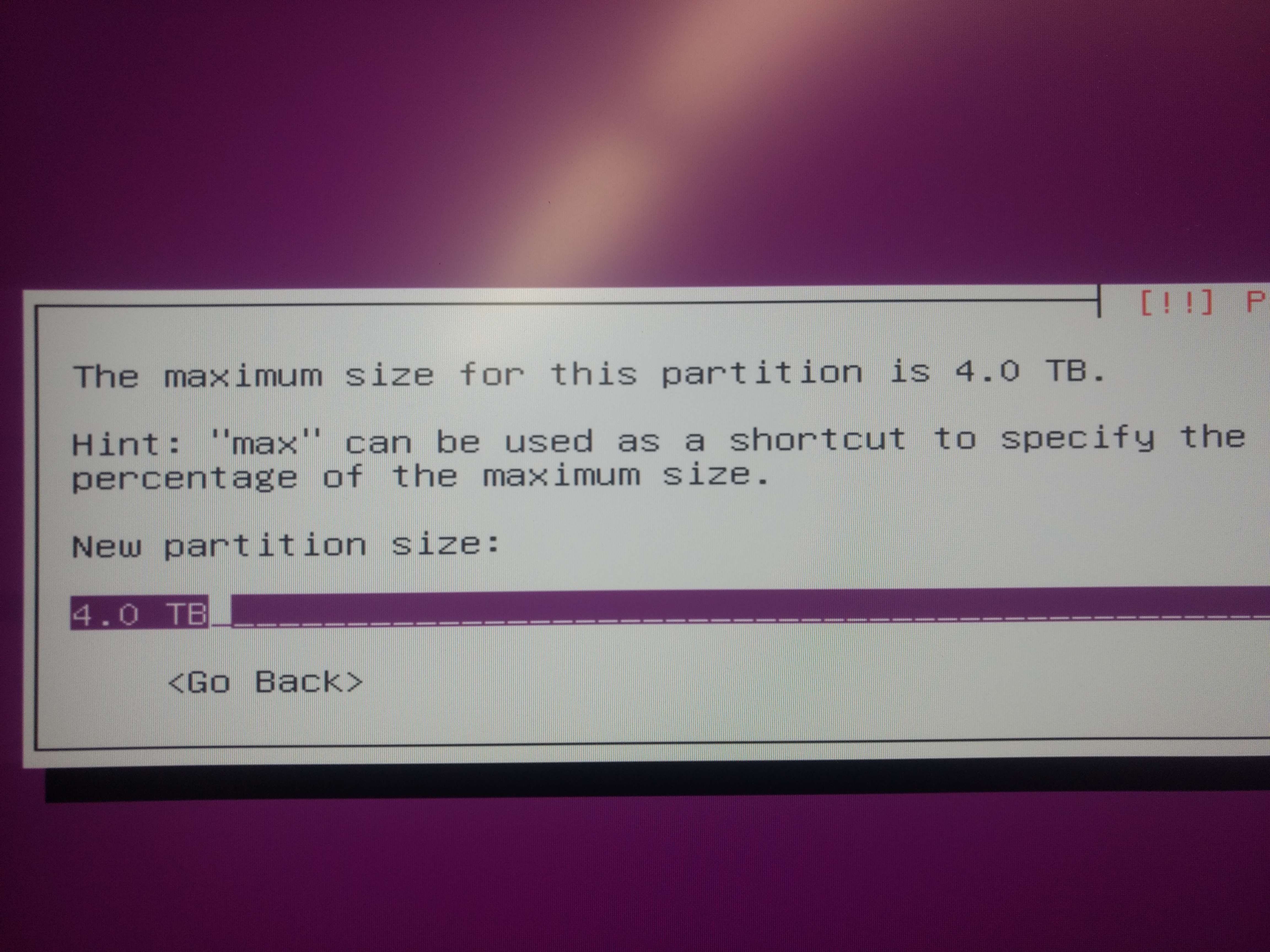
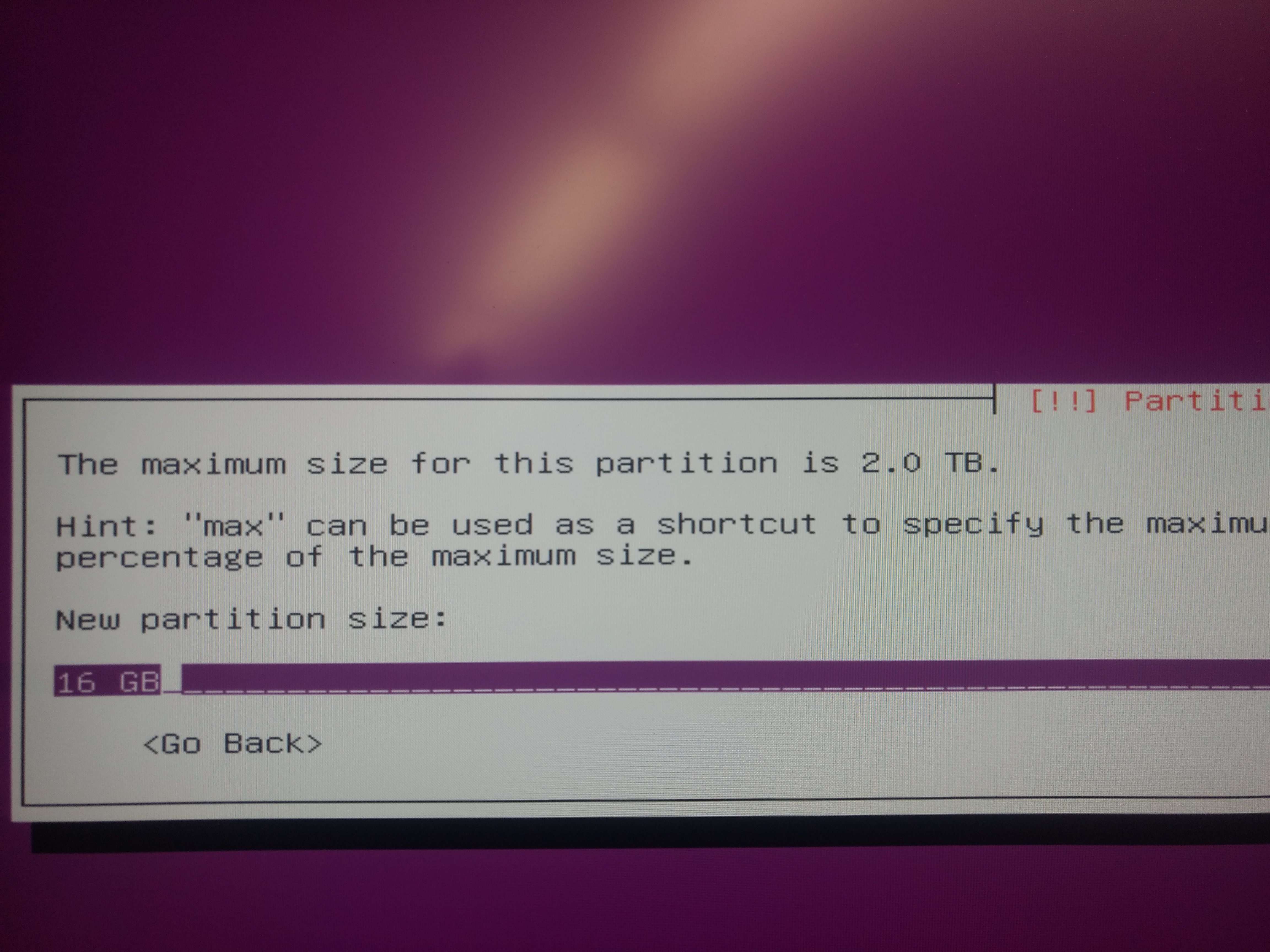
16)Select partition size
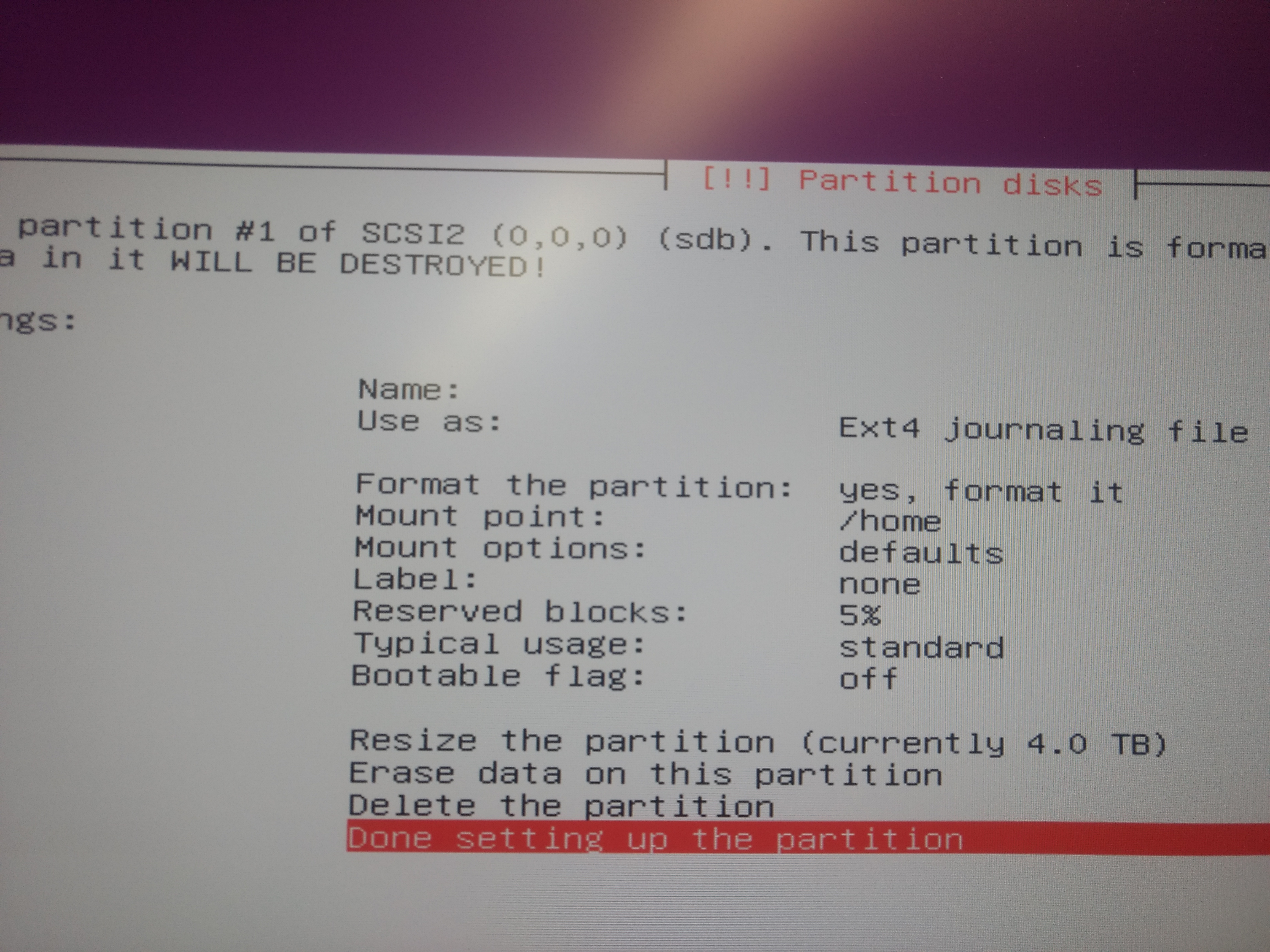
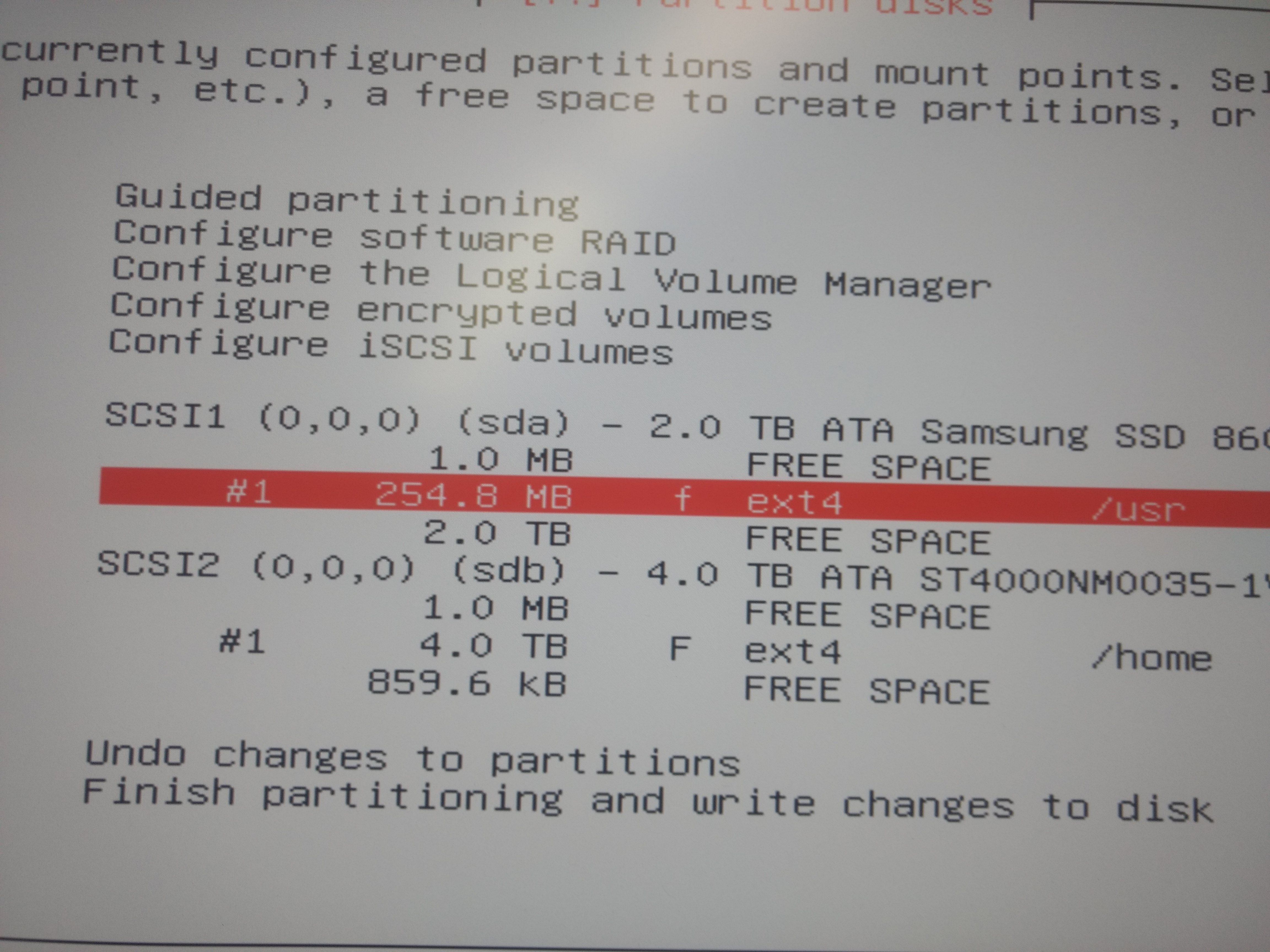
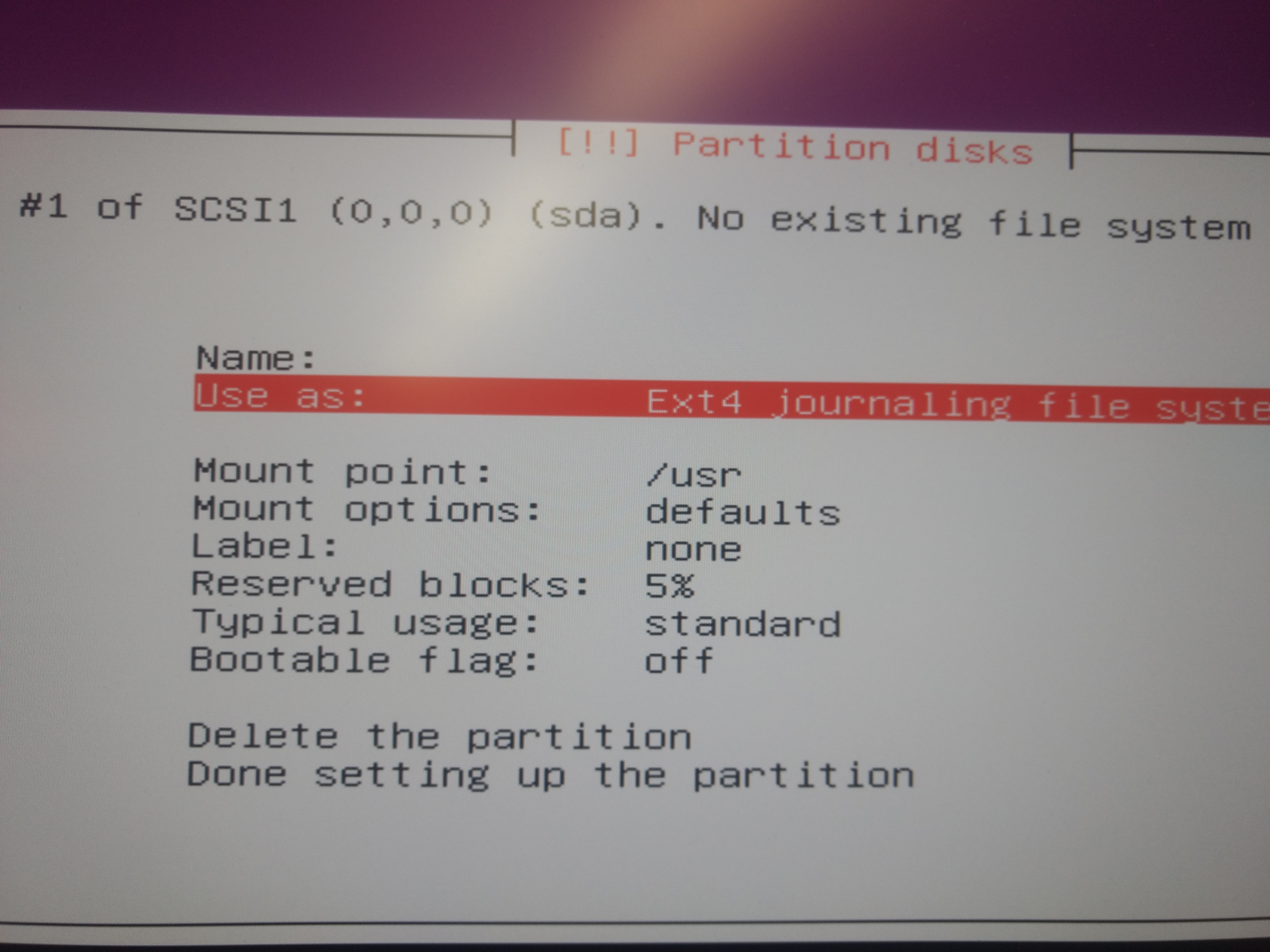
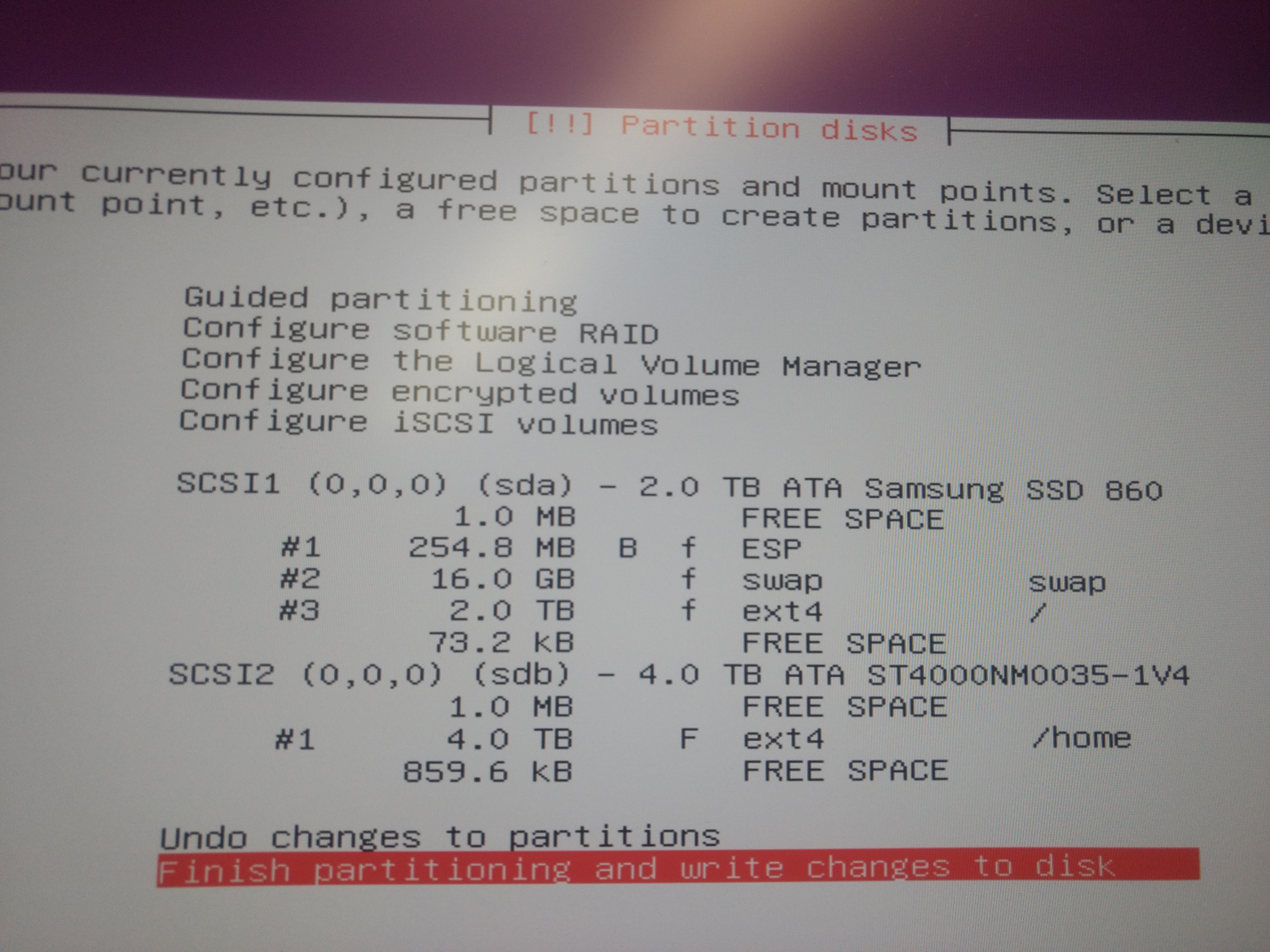
17)Done setting (External hard disk use as /home directory to save data if OS crash in future)
18)Select free space from ssd
19)Create 256 MB of memory for EFI partition (for the UEFI boot information)
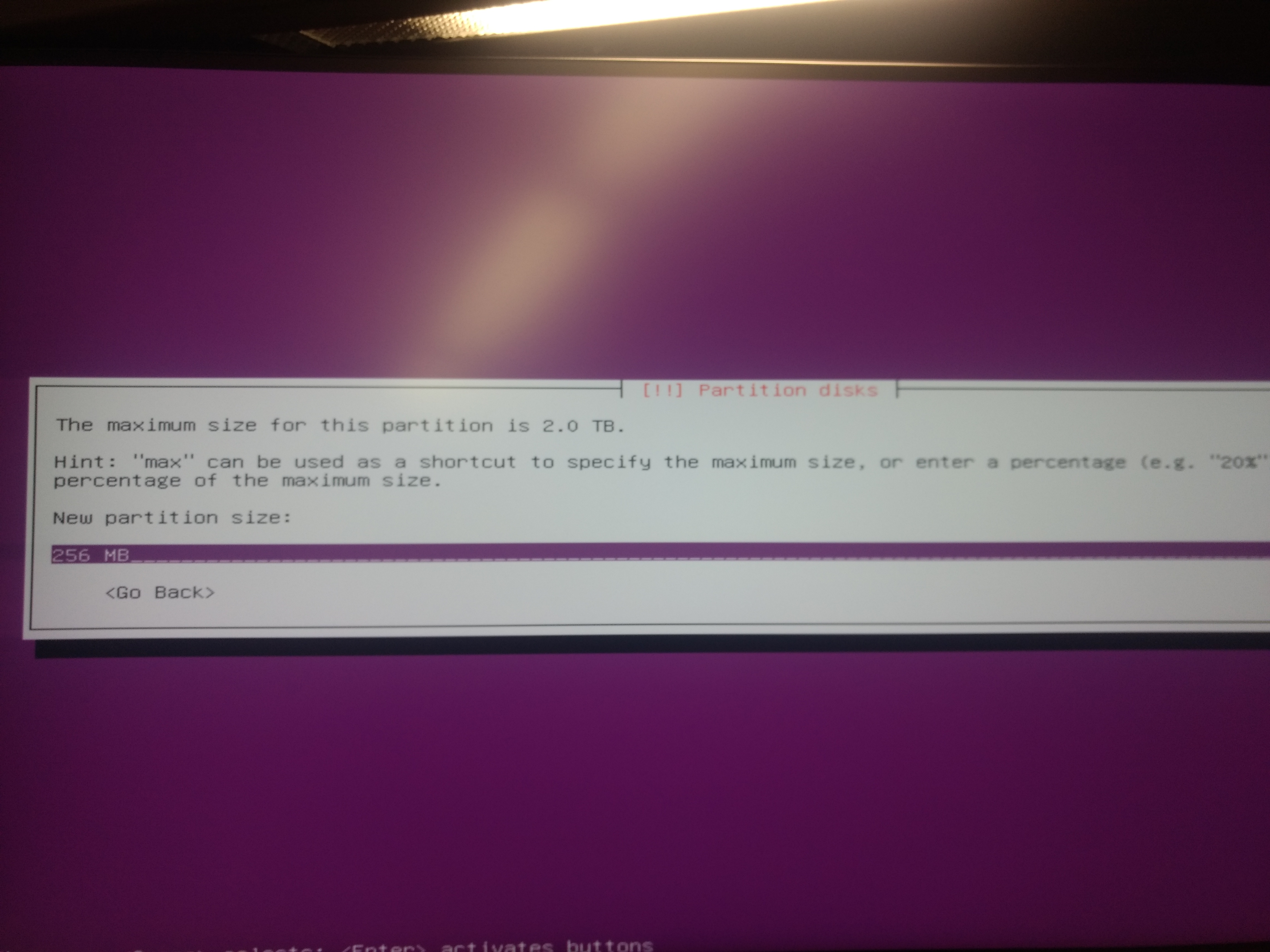
20)Select created partition
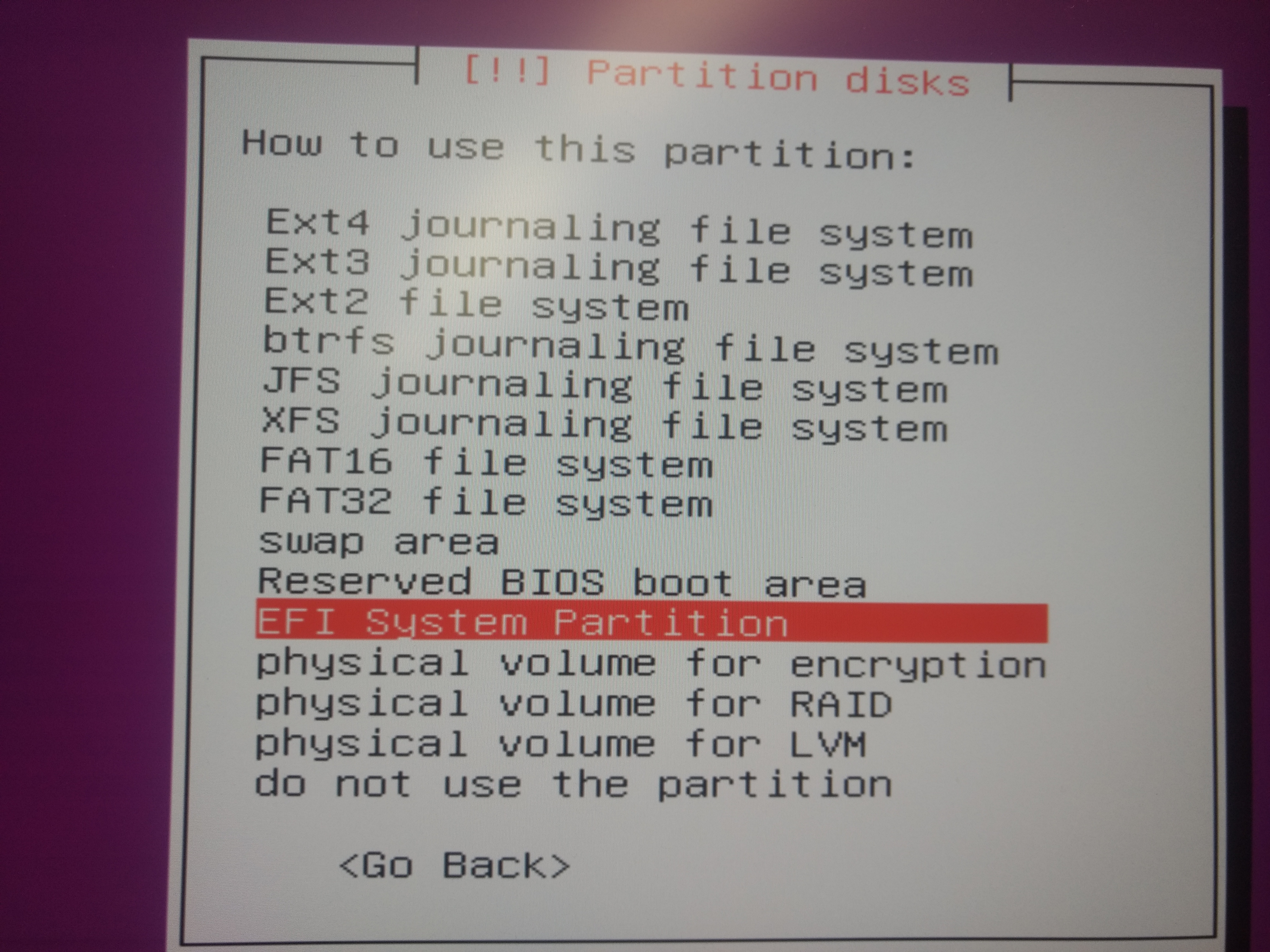
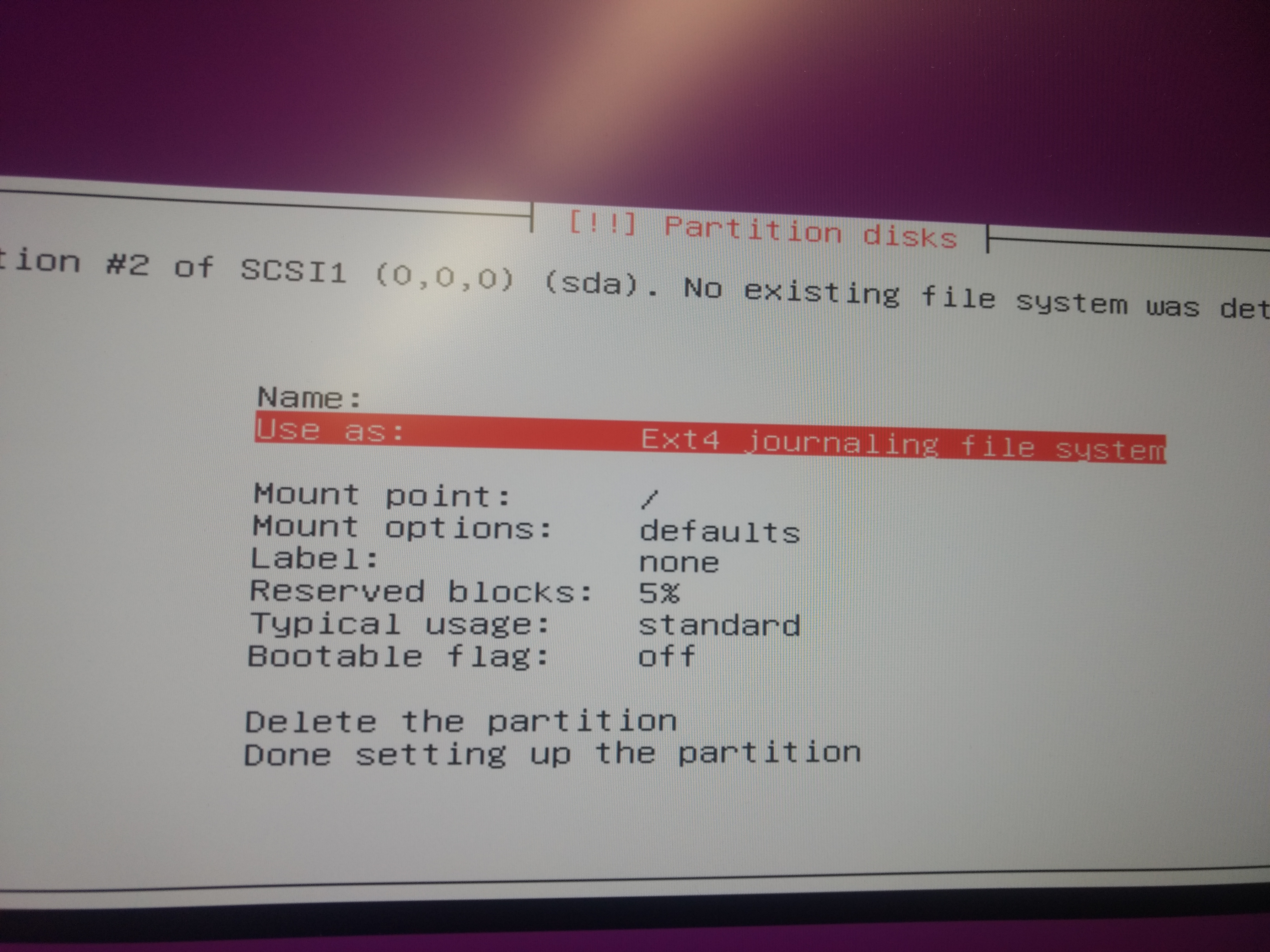
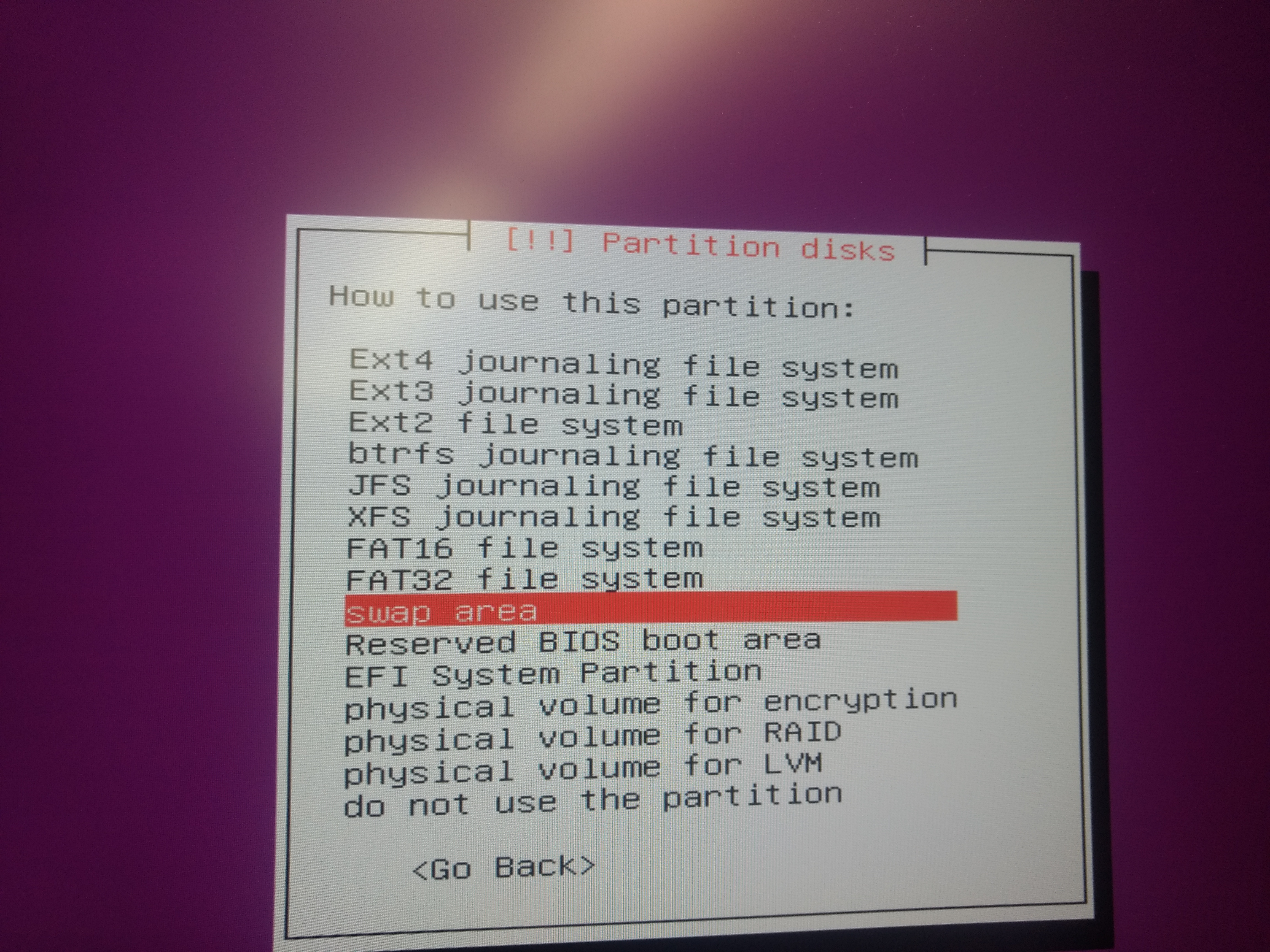
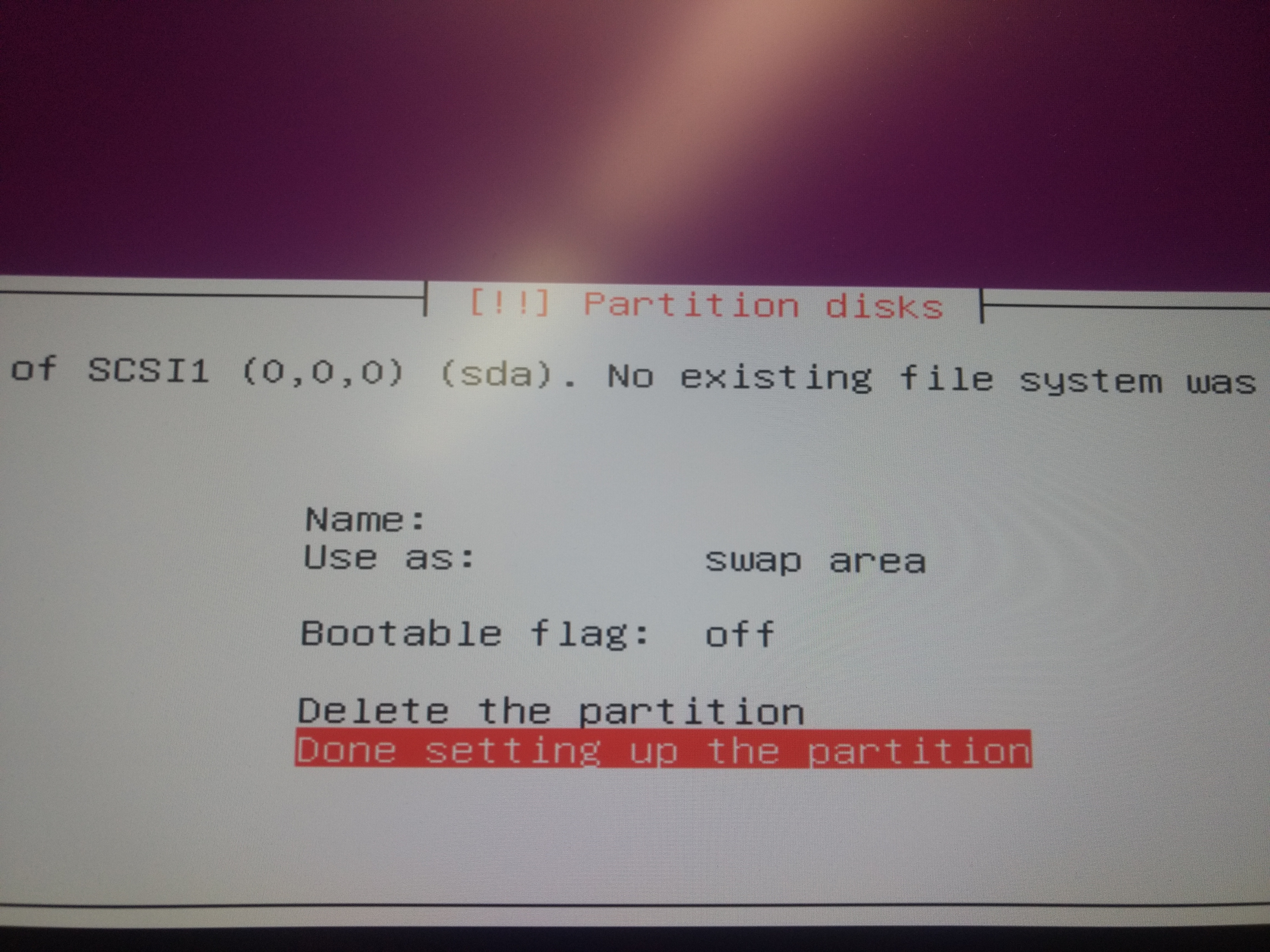
21)Select use as
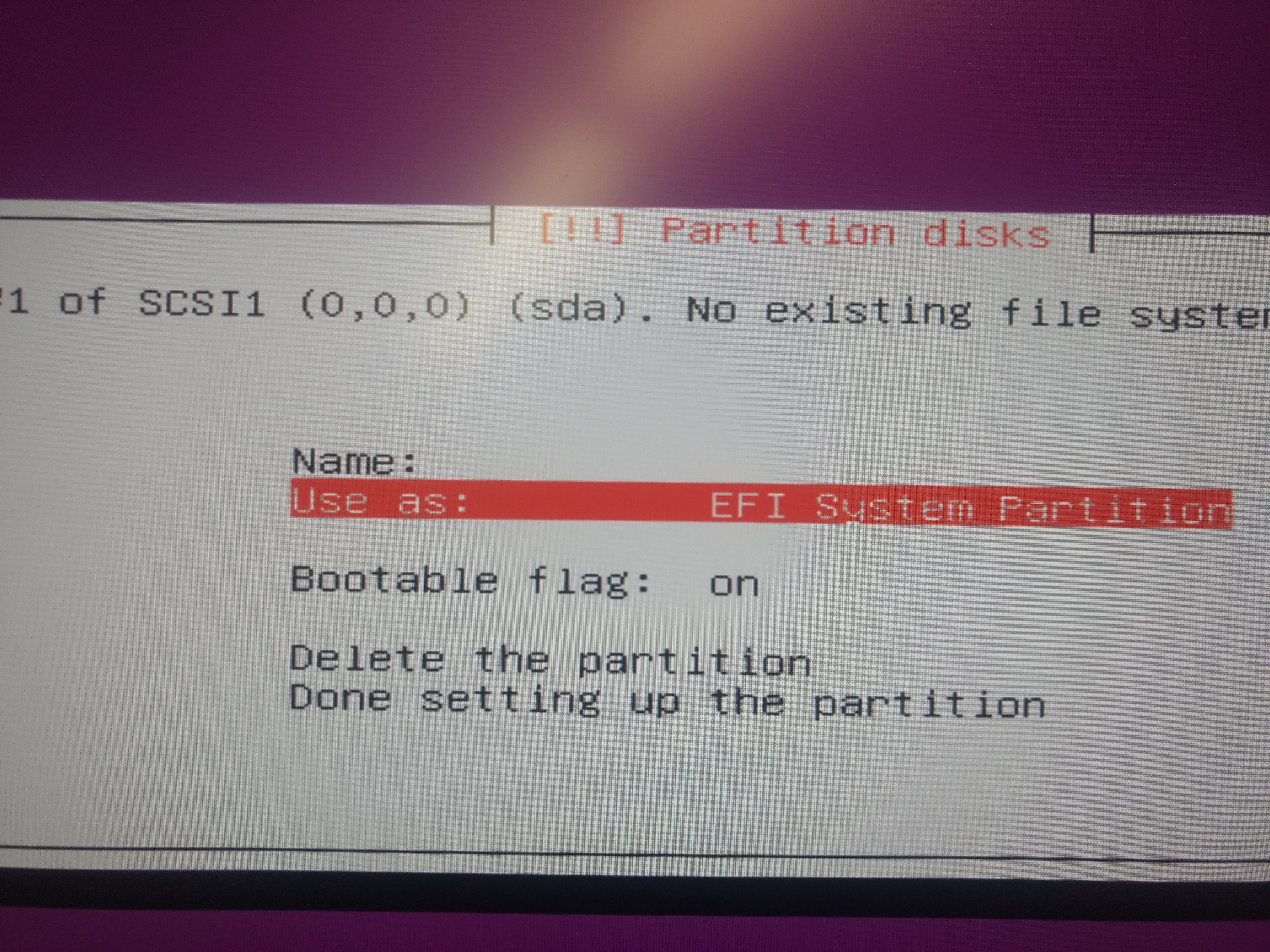
22)Change it to EFI system partition

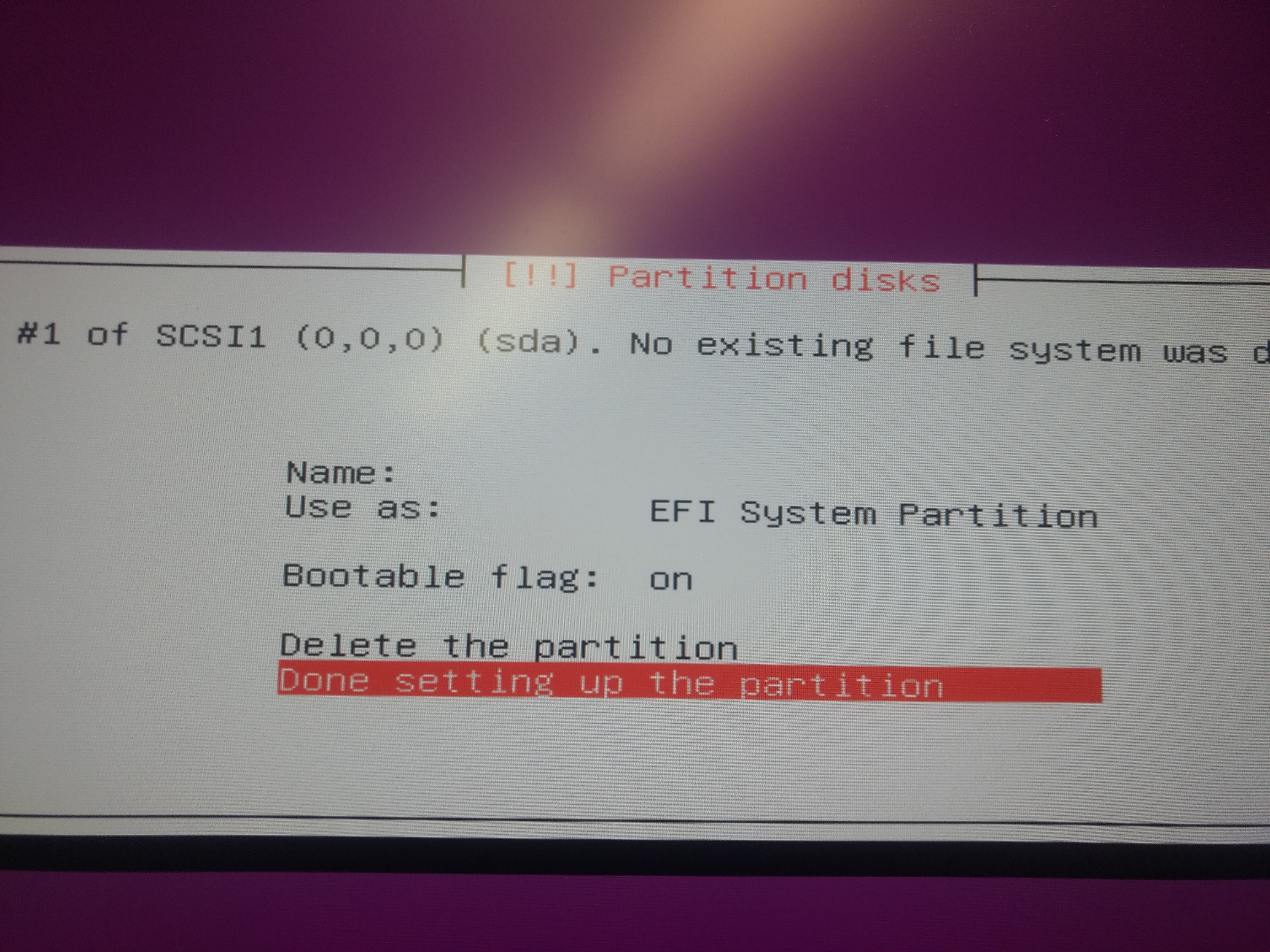
23)Select Done setting and partition
24)Select free space
25)Create 16 GB of swap memory
26)Create 16 GB of swap memory
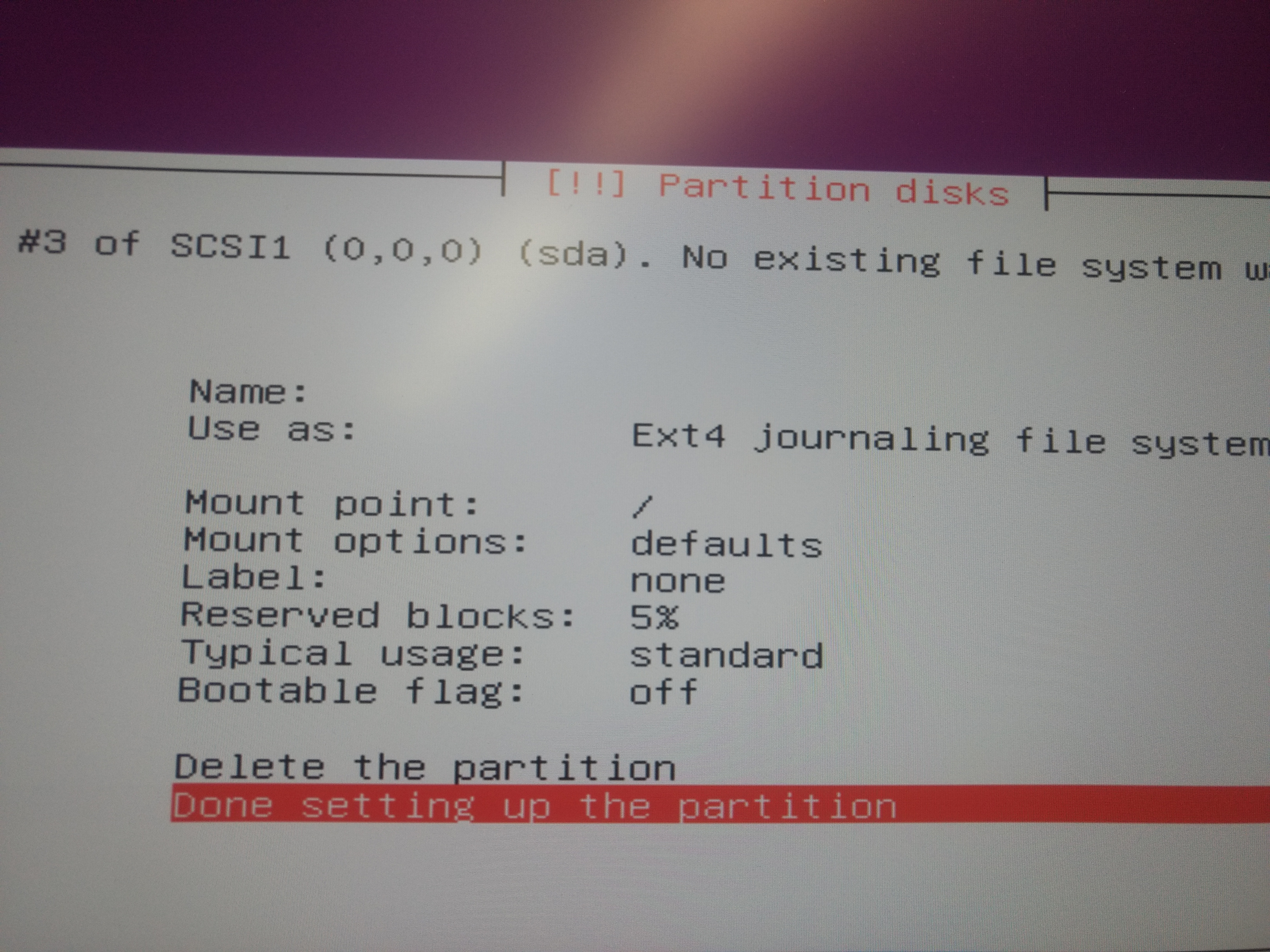
27)Select remaining free space and mount it as root directory
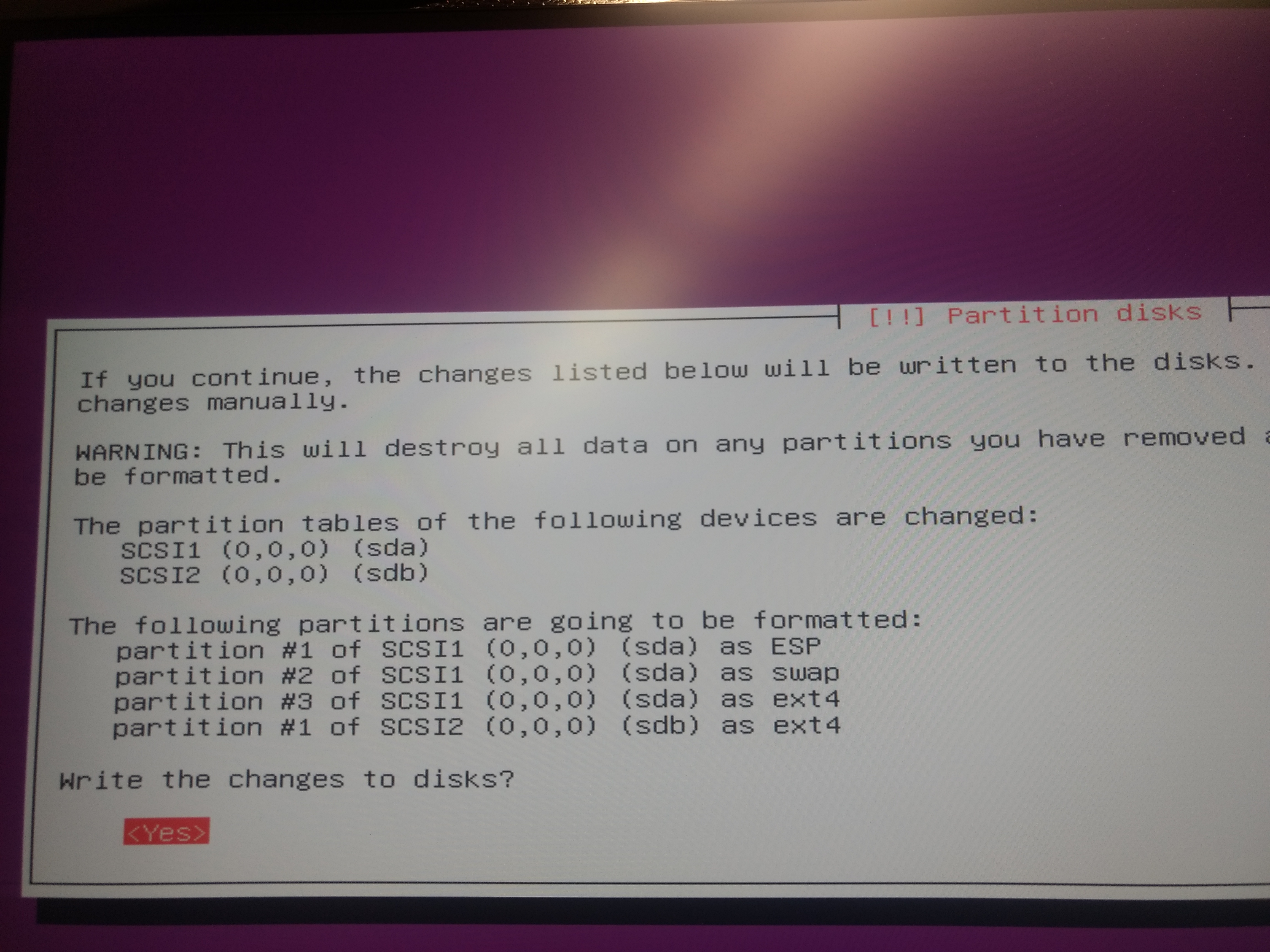
28)Select Finish partition and write change to disk
29)Select Finish partition and write change to disk
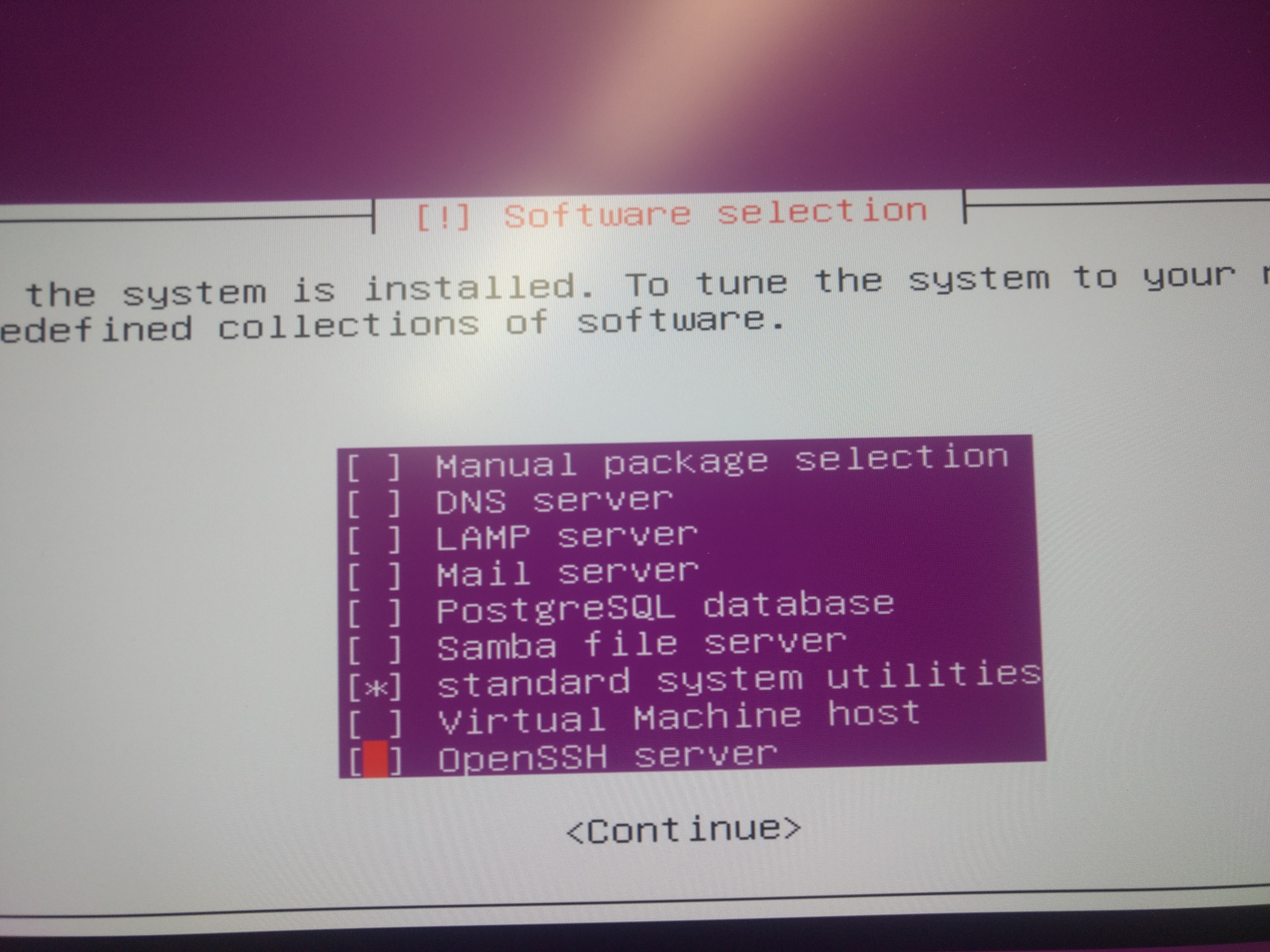
30)Select OpenSSH server from software selection screen
31)Install unity desktop
        a)sudo apt-get update
        b)sudo apt-get install ubuntu-desktop
        c)sudo shutdown -r now
32)Install the NVIDIA display driver
        a)sudo add-apt-repository ppa:graphics-drivers/ppa
        b)sudo apt-get update
        c)sudo ubuntu-drivers devices(Check recommended version which need to install)
        d)sudo ubuntu-drivers autoinstall
        e)sudo shutdown -r now
        f)nvidia-smi
33)Create New sudo user
        a)sudo adduser username
        b)sudo usermod -aG sudo username
        c)Test sudo access
                A)su – username
                B)sudo whoami
34)Install ssh
        a)sudo apt-get update
        b)sudo apt-get upgrade
        c)sudo apt-get install openssh-server
35)Install tmax
        a)sudo apt-get update
        b)sudo apt-get install tmux

Related