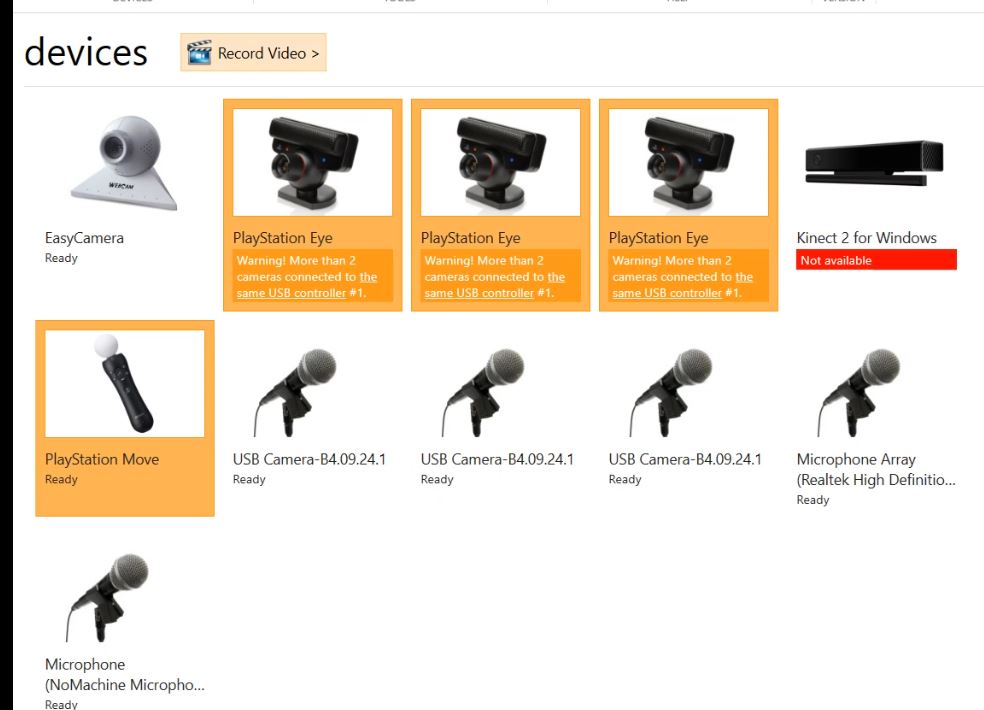
1) Open ipi Recorder in admin mode
2) Select PS eye camera and PS Motion Controller and click on record button
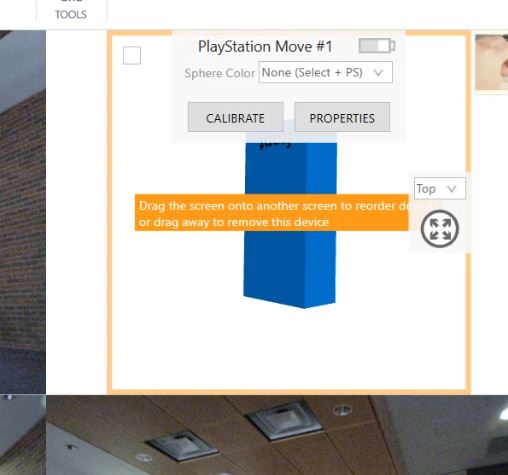
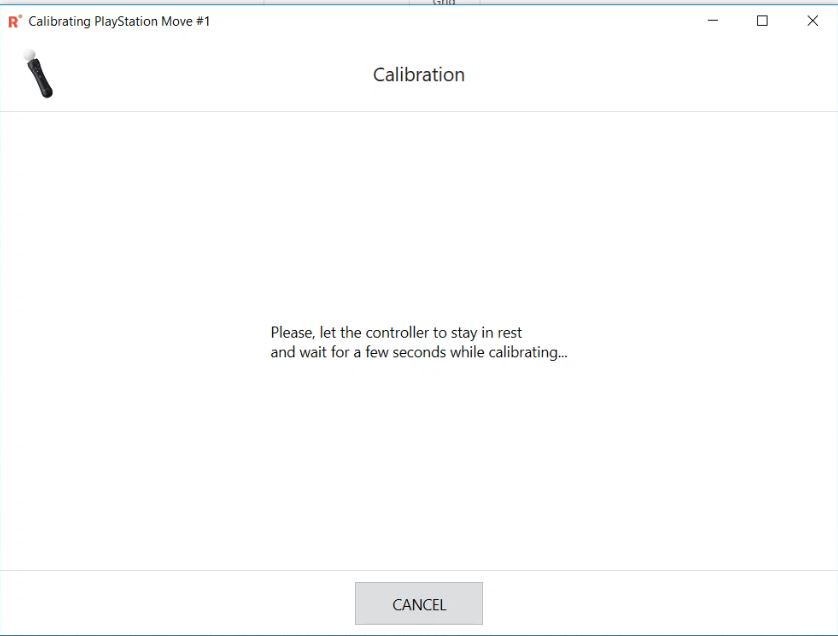
3) Click on Motion Controller calibrate button and calibrate the Motion controller
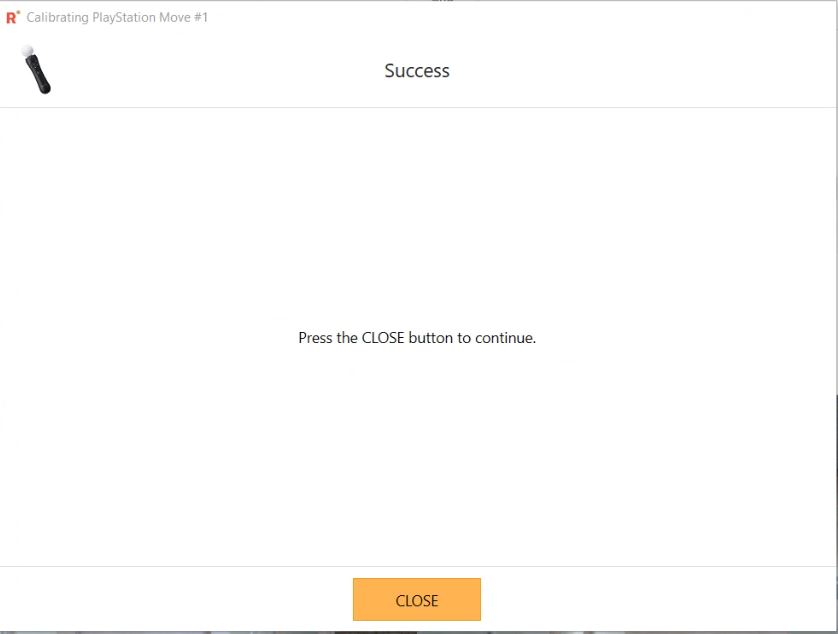
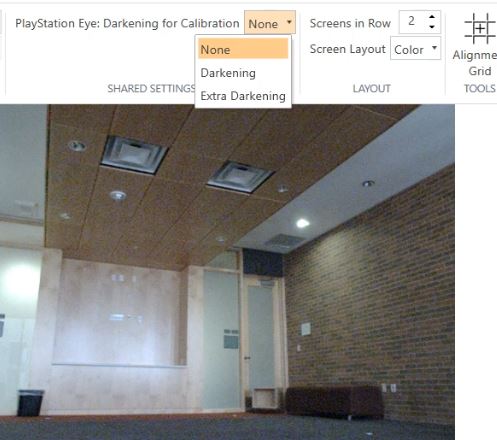
4) Select PS eye mode as darkening for calibration
5) Go to background
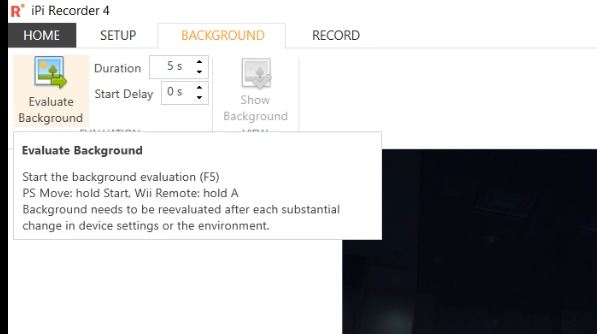
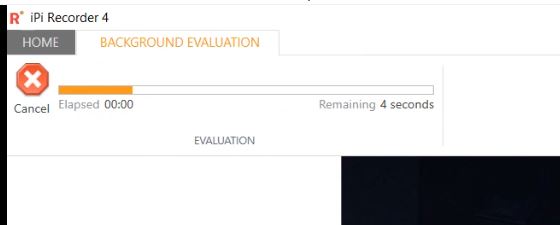
6) Click Evaluate background
7) Go to record Tab and select PS Motion Controller sphere color as white
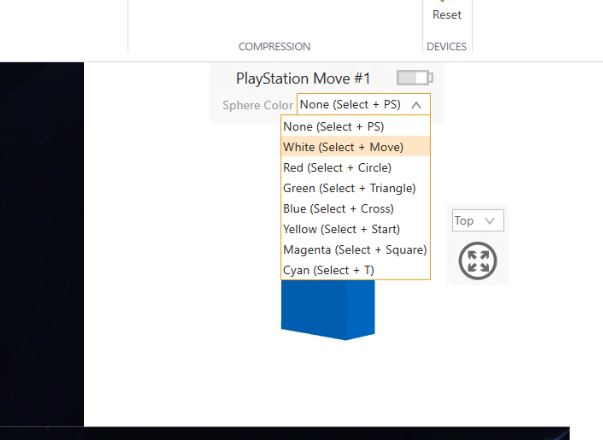
8) Your motion controller sphere should be glow with white color
9) Click on start recording
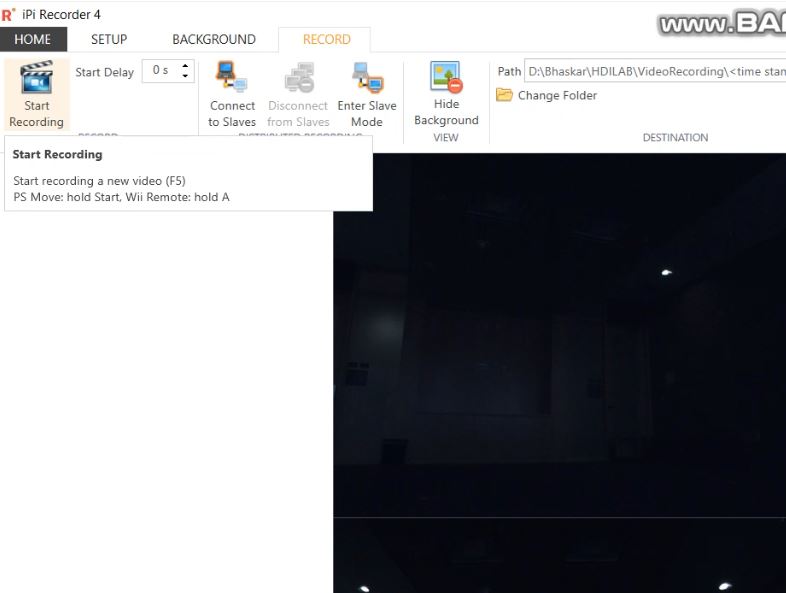
10)It will start video recording
11)You should cover some ground point also in the recording
How to Record Calibration Video using PSMotionController and PSeyecamera